Paid Media
Performance Max: audit where your ads send visitors
Find unexpected Performance Max landing pages, identify the route that sent visitors there, and test targeted URL exclusions.
Vladlens Kecko · · 4 min read
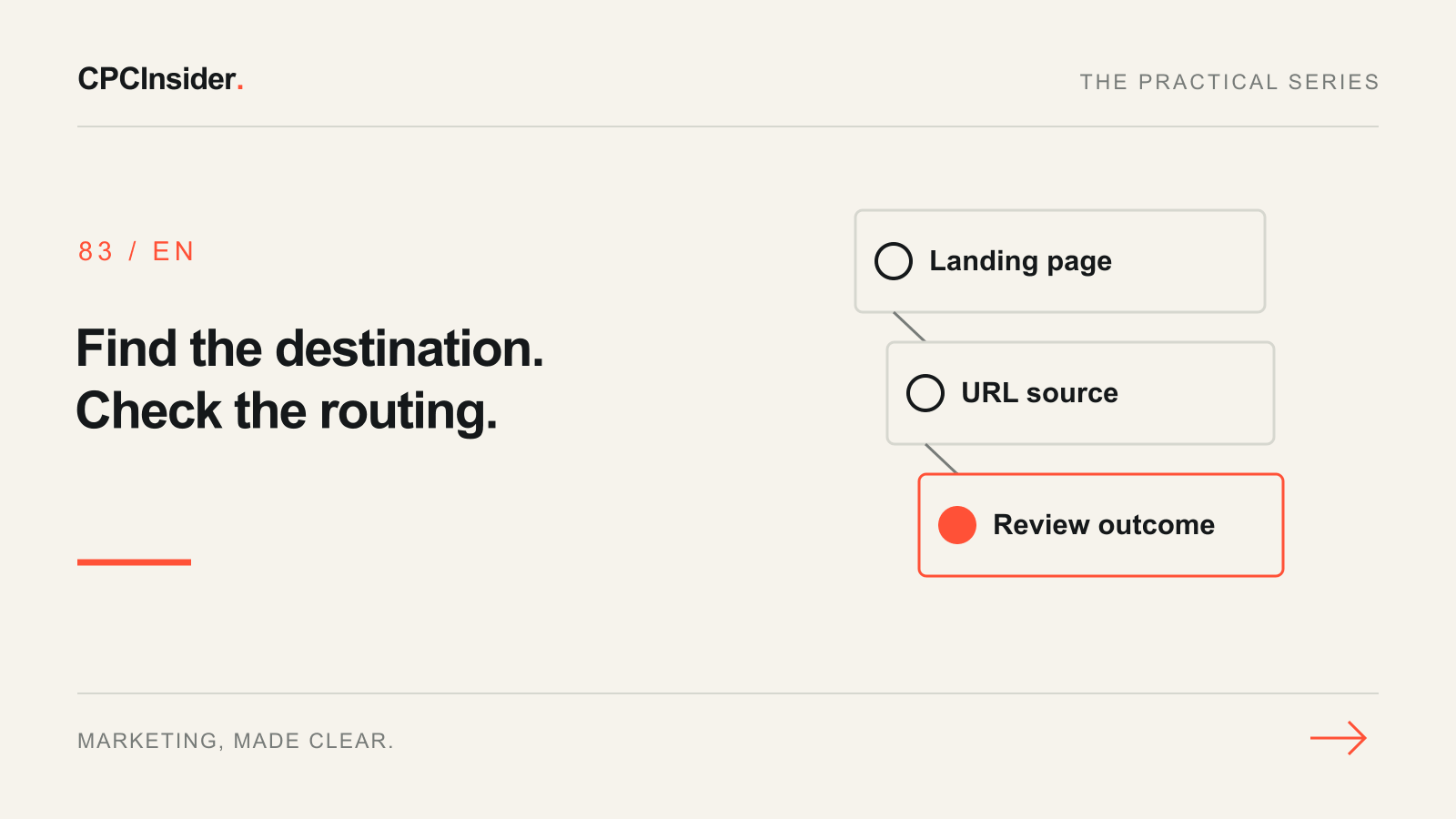
When Performance Max sends visitors to an unexpected page, start with the reported destination and its source. A product URL, an asset group's final URL and a URL selected through expansion each call for a different check.
1. Build a destination list
Choose one campaign and a date range with enough activity to investigate. In Google Ads, open Campaigns → Insights and reports → Landing pages and filter to that campaign. Export the landing pages and view expanded landing pages where available. Save URLs, clicks, and the conversion actions you use to judge success. Keep the original URL in your notes when grouping parameter variants. Check a sample on mobile, including redirects, the offer and the next step. Google’s Performance Max reporting guide.
2. Compare the report with campaign settings
Record the asset group final URLs, Final URL expansion setting, page-feed labels if used, and Merchant Center product URLs if linked. Start with URLs that are clearly unsuitable, such as job listings, then inspect pages where the offer or language seems wrong. A page’s presence in the report alone may not identify how it was selected. Cross-check the configuration and use a controlled test if more than one source could explain it.
| Finding in a hypothetical audit | First check |
|---|---|
| Careers page received 18 clicks | Verify whether expansion is on and whether the URL appears in an explicit destination |
| A product click goes to the wrong variant | Compare the Merchant Center item URL and redirects with the expected variant |
| A qualified lead page has two URL rows | Compare query parameters and confirm both variants reach the same content and form |
A page feed can guide URL selection while expansion is on. It does not limit expanded destinations to that feed. When considering turning expansion off, review the asset group, assigned page-feed URLs and product destinations relevant to the campaign. Google’s Final URL expansion guidance.
3. Change the narrowest setting and check the outcome
If expansion sends traffic to an unsuitable page, start with an exact URL exclusion or a narrowly defined section rule. List allowed URLs that resemble the excluded ones and check the rule against both sets. If the URL is explicitly configured or comes from a product entry, correct that source. Record the settings and the change date, then check fresh destination data after it populates. Review conversion quality with enough time for your reporting lag before judging the result. Google’s URL exclusion examples.
Use the Merchant Center diagnostics guide for product and variant issues. The paid landing-page guide covers what happens after the click. For help auditing campaign destinations, see our paid media service. Book a free 30-minute founder-led growth review for a short written plan with three priorities.
About the author
Free founder-led growth review
Know where to focus your next marketing investment.
In a focused 30-minute conversation, we review your advertising, website and sales follow-up together. Afterwards, you receive a short written action plan you can use with your own team or with ours.
Your biggest growth gaps
See where your ads, website or follow-up may be losing potential customers.
Your next 3 priorities
Get a ranked action list with the reason for each recommendation and what to check next.
A practical starting plan
Leave with clear next steps for your team, plus our recommendation if you want help implementing them.
Continue reading
Google Merchant Center: diagnose missing or disapproved products
Trace missing Shopping products from Merchant Center status to the exact variant, landing page and data source.
Google Ads landing page: 12 elements for qualified leads
Review your Google Ads landing page with 12 checks for message match, proof, forms, mobile use and tracking. Prioritise one change you can measure.
Google Ads experiments: a checklist for tests you can interpret
Plan a Google Ads experiment with one hypothesis, reliable conversions and clear decision rules. Includes a test brief, worked example and results checklist.