Paid Media
Google Merchant Center: diagnose missing or disapproved products
Trace missing Shopping products from Merchant Center status to the exact variant, landing page and data source.
Vladlens Kecko · · 5 min read
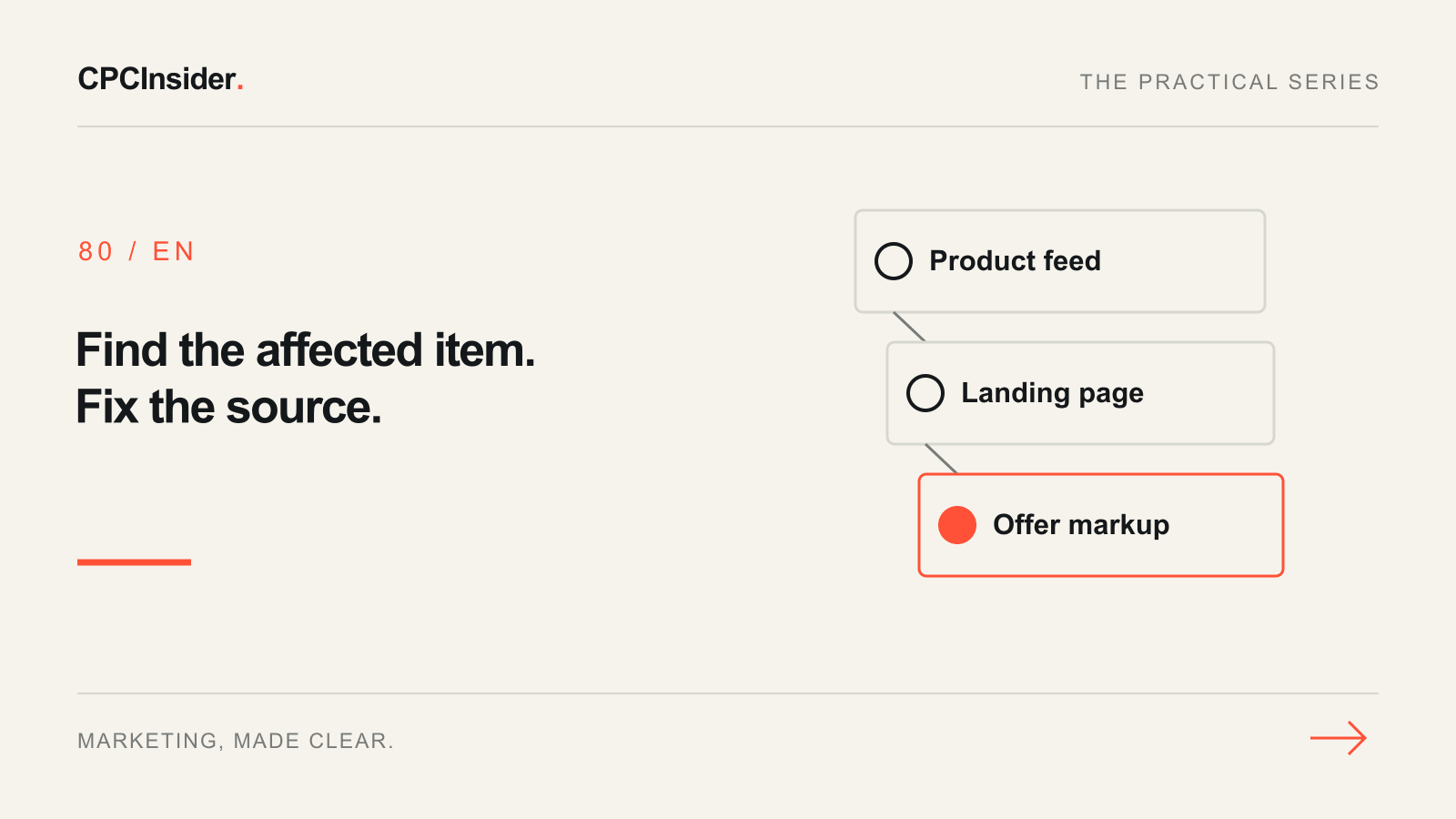
When a product disappears from Shopping, start with one affected item. Record its Merchant Center ID, target country, marketing method and exact variant URL. That gives you a row you can trace from your catalogue to the page a shopper sees.
1. Separate eligibility from delivery
In Products, open the item and review its status by country and marketing method. Processing means an update is being applied. Under review means checks are pending. Limited and Not approved need inspection in Needs attention. A product approved for Shopping ads can still receive little traffic. Once eligibility is clear, inspect the campaign’s product selection and reporting separately. Google’s status guide explains the available statuses.
2. Compare three copies of the same offer
| Copy | Check |
|---|---|
| Submitted product | Item ID, country, landing URL, price, currency and availability |
| Landing page | Correct variant selected on arrival, visible price and stock, and a working purchase path |
| Structured data | Offer price, currency and availability for the selected variant, when markup is present |
Open the submitted URL in a clean browser session. Check for a redirect that drops the variant or an automatic country or currency switch. For sale prices, compare the offer while the sale is actually active. Google’s price mismatch guide explains the landing-page and source-data requirements.
3. Correct the system that owns the value
Suppose a fictional shop submits a blue shoe at €49, but the link opens the black variant at €59. Check whether the catalogue export omitted the variant parameter. Correct the link template at its source, then check other items using that template. If the page and submitted offer agree but the markup still contains €59, correct the markup generator. Record the item ID, before and after values and the time of the next feed processing.
4. Verify recovery before reopening the campaign diagnosis
Confirm Merchant Center processed the correction. Return to Needs attention and check the same item, destination and country. Follow the issue-specific instructions if the interface offers or requires a review. For a widespread issue, recheck a small sample across variants and markets. Google’s issue resolution guide explains product and account-level escalation.
When the items are eligible, use the Google Ads audit checklist to check campaign delivery and measurement. Our paid media service can help connect catalogue health to campaign decisions. Book a free 30-minute founder-led growth review for a short written plan with three priorities and no obligation to hire us.
About the author
Free founder-led growth review
Know where to focus your next marketing investment.
In a focused 30-minute conversation, we review your advertising, website and sales follow-up together. Afterwards, you receive a short written action plan you can use with your own team or with ours.
Your biggest growth gaps
See where your ads, website or follow-up may be losing potential customers.
Your next 3 priorities
Get a ranked action list with the reason for each recommendation and what to check next.
A practical starting plan
Leave with clear next steps for your team, plus our recommendation if you want help implementing them.
Continue reading
Google Ads checklist: 25 checks to find wasted spend
Start with trustworthy conversions, then check targeting, budgets and the customer journey. Use these 25 checks to turn an account review into a clear action plan.
Google Ads landing page: 12 elements for qualified leads
Review your Google Ads landing page with 12 checks for message match, proof, forms, mobile use and tracking. Prioritise one change you can measure.
Google Ads not spending: 7 checks before raising your budget
Google Ads getting no impressions or barely spending? Check campaign status, ad review, targeting and bid targets with this practical troubleshooting workflow.