Strategy
Google Search Console: find what drove a drop in clicks
Locate the queries, pages, countries and devices behind a drop in Google Search Console clicks. Includes a worked example and a decision checklist.
Vladlens Kecko · · 5 min read
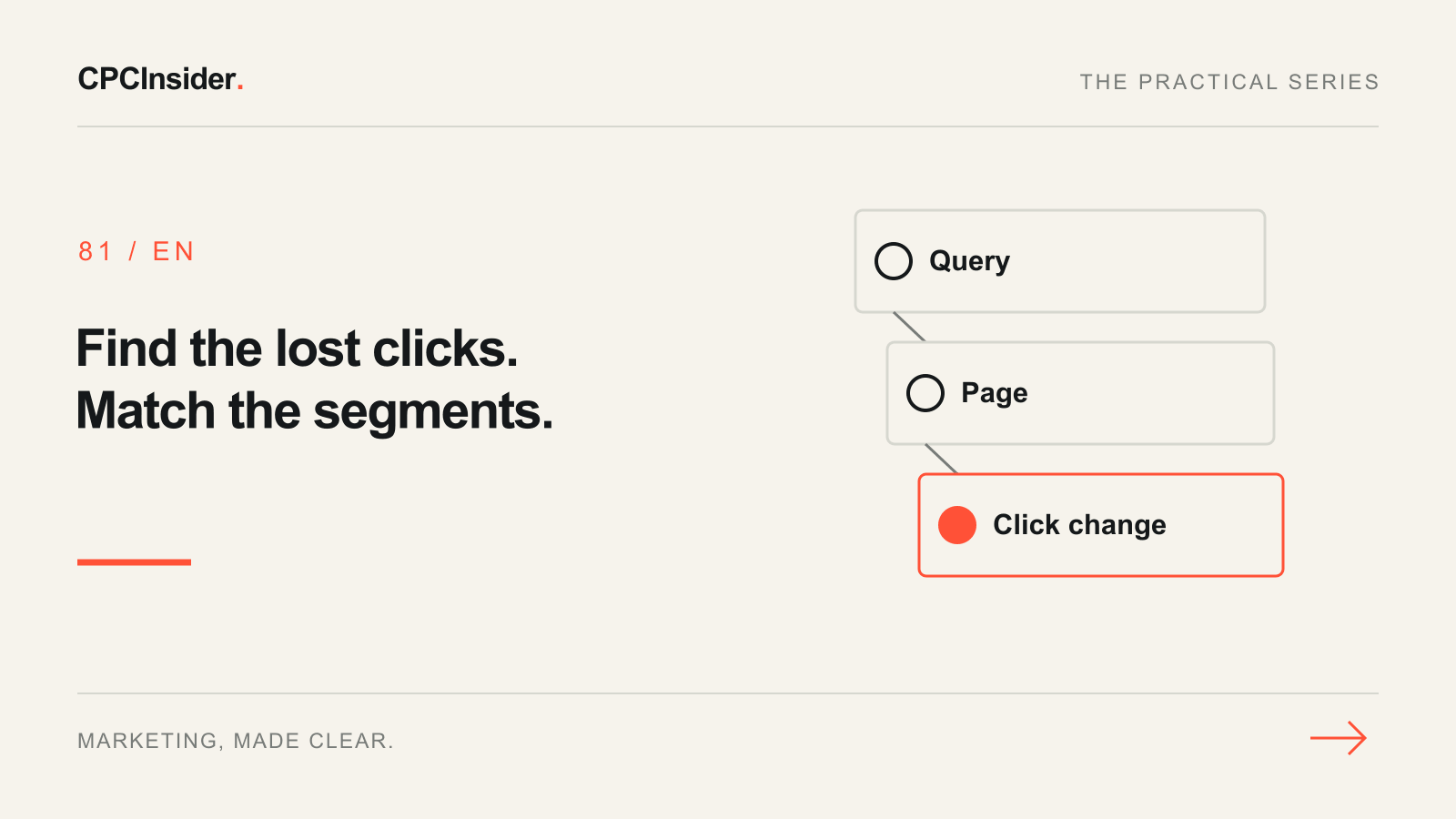
When clicks fall in Google Search Console, find the segment that explains the change before editing the site. You need an exact date comparison, the affected URL and enough context to decide whether to investigate visibility, search demand or the result people saw.
1. Set a clean comparison
Open Performance → Search results for the correct property. Select Web and compare two complete seven-day windows with the same weekdays. Exclude preliminary days. If you suspect a holiday or seasonal change, add a comparable historical window. Enable clicks, impressions, CTR and average position. Save the date ranges, filters and unfiltered totals before drilling down. Google’s Performance report guide describes the metrics and aggregation.
2. Locate the loss and test the query-to-page pairing
Start in Pages and identify the URLs with the largest absolute click losses. Filter one exact URL and open Queries. Take a visible query that explains part of the loss, filter it exactly, then remove the page filter and reopen Pages to see which URLs received impressions for that query. Apply one country and device at a time when testing a suspected shift. Save those segment settings so you can reproduce the comparison.
Some queries are anonymized, and filters and aggregation can change the totals. Keep the gap between visible rows and the overall change unassigned. Google’s filtering guide explains these limitations.
3. Decide what evidence to collect next
| Pattern in a matched segment | Next check |
|---|---|
| Fewer impressions, similar position and CTR | Compare historical demand, seasonality and other queries to the same page |
| Worse position on the same query and device | Check which URL appeared and whether its index status and content changed |
| Similar impressions and position, lower CTR | Inspect the actual result and surrounding search features where you can establish context |
| Clicks move from one URL to another | Compare page roles and the reported canonical before proposing a change |
4. Record a decision, with the counts
In a fictional mobile segment, one query and page went from 24 clicks on 600 impressions to 12 clicks on 300 impressions. CTR stayed at 4% and average position went from 5.1 to 5.2. The segment lost 12 clicks. Start by checking why the result appeared less often. The figures leave room for seasonal demand or changes in visibility within the average. A title rewrite has no direct support from this comparison.
Check a suspected technical problem with URL Inspection, separating Google’s indexed view from the live test. Use the SEO priority plan to turn a verified issue into one work item. If your question is what visitors do after clicking, use the GA4 landing-page guide.
Our growth strategy service helps prioritize work from this evidence. Book a free 30-minute founder-led growth review for a short written plan with three priorities and no obligation to hire us.
About the author
Free founder-led growth review
Know where to focus your next marketing investment.
In a focused 30-minute conversation, we review your advertising, website and sales follow-up together. Afterwards, you receive a short written action plan you can use with your own team or with ours.
Your biggest growth gaps
See where your ads, website or follow-up may be losing potential customers.
Your next 3 priorities
Get a ranked action list with the reason for each recommendation and what to check next.
A practical starting plan
Leave with clear next steps for your team, plus our recommendation if you want help implementing them.
Continue reading
Google sitelinks: a practical checklist for making important pages easier to find
Understand organic Google sitelinks and audit navigation, internal links and page labels. Includes a practical destination worksheet for service businesses.
GA4 landing page report: find the pages worth improving first
Use GA4 landing-page data to choose your next improvement. Compare matched traffic, inspect a worked example and build a page-priority worksheet.
Search engine optimization: choose the first useful job for a service website
Build an SEO priority sheet around customer questions, existing pages and indexing evidence. Includes a fictional example and checks before changing content.