Strategy
Google sitelinks: a practical checklist for making important pages easier to find
Understand organic Google sitelinks and audit navigation, internal links and page labels. Includes a practical destination worksheet for service businesses.
Vladlens Kecko · · 6 min read
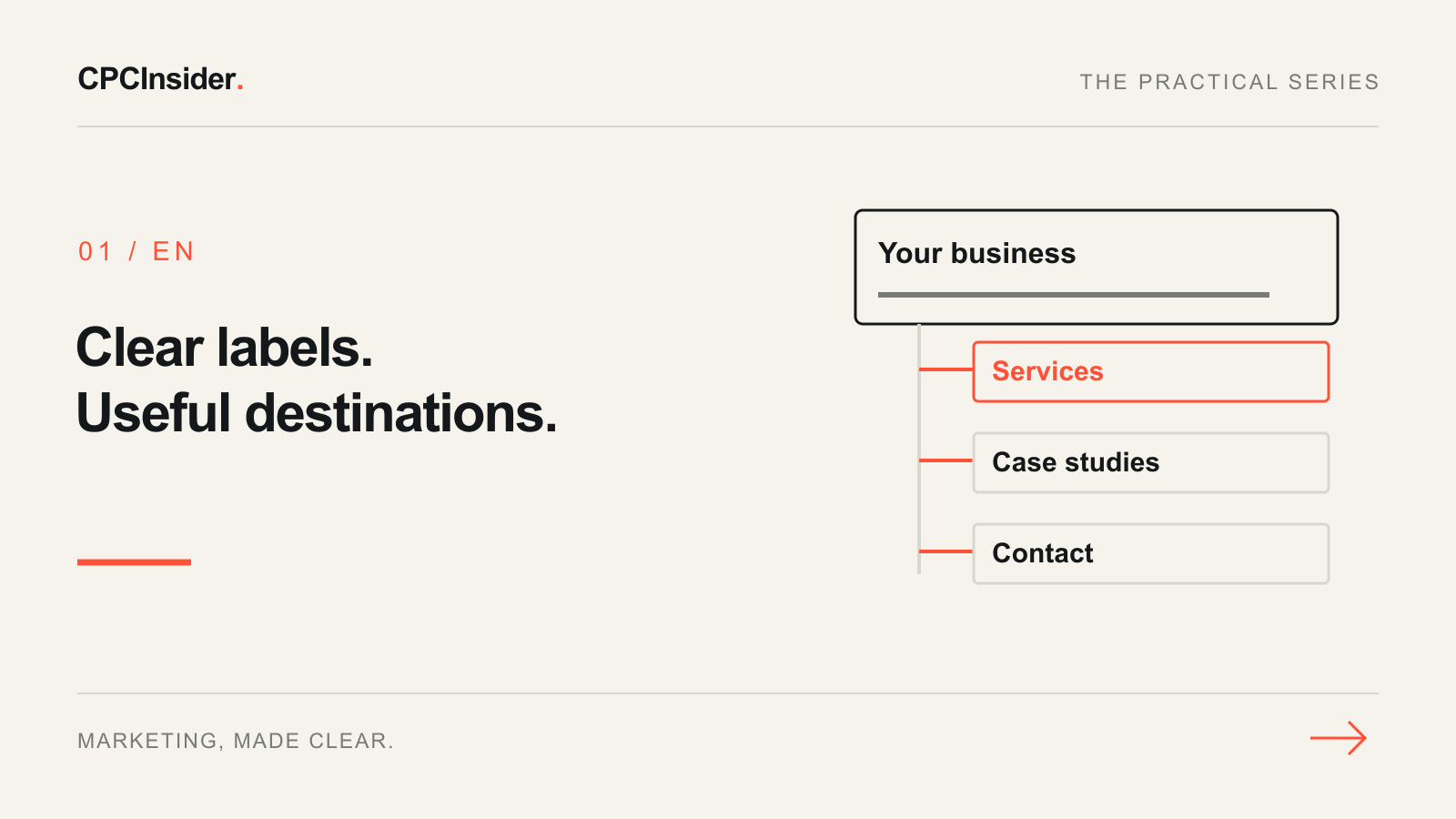
Google sitelinks are additional links beneath an organic search result. They can help a searcher reach a useful part of a website without going through its homepage. Google generates them automatically and shows them when its systems consider them useful. You cannot choose a guaranteed set in Search Console.
The official Google sitelinks documentation is the starting point. The worksheet below turns its navigation and internal-link guidance into an audit you can complete. It does not promise that a particular link will appear.
1. Separate organic sitelinks from advertising assets
Organic sitelinks belong to unpaid search results. Google Ads sitelinks are advertising assets managed within an ad account. Adding a paid asset does not configure the links beneath your organic result. First check which result you are trying to improve.
For an organic result, focus on whether visitors and search engines can understand your site's important destinations. Do not buy a service promising a fixed selection of organic sitelinks.
2. Map four customer questions to real destinations
Use this fictional service-business worksheet. Replace the examples with pages that genuinely help your customers; this is not a prediction of Google's selection.
| Customer question | Possible destination | What to check |
|---|---|---|
| Can you solve my problem? | Services | Specific scope and a clear next step |
| Have you done comparable work? | Case studies | Relevant, approved evidence |
| Who will I work with? | About | Accurate people and responsibilities |
| How do I contact you? | Contact | Working details and an understandable process |
Write one preferred destination for each question. If two pages give the same answer, record the ambiguity before creating another page. If a destination has little useful content, improving its usefulness comes before seeking a prominent search link.
3. Check how people reach those pages
Open your homepage and a relevant service page. Can someone reach the mapped destinations through clear navigation and contextual links? A service description might link to a relevant case study; an explanatory article might link to the service that implements the advice.
Google's crawlable-link guidance explains the role of HTML links with an href and descriptive anchor text. Check the actual destination, not just the visual button. Record broken links and links that lead somewhere unexpected. Avoid hiding every important destination in a large footer.
4. Replace ambiguous labels with meaningful ones
Labels such as “Explore”, “More” and “Discover” can be unclear without context. “Services”, “Case studies”, “About” and “Contact” are more useful when they accurately describe the destination. Use concise page titles and headings that explain what the page contains.
Do not repeat a keyword mechanically across every navigation item. The goal is to help someone choose the right page. Read each label aloud without the surrounding design: would a new customer know where it goes?
5. Investigate technical issues without inventing a diagnosis
If an important page appears unavailable to Google, inspect its exact URL in Search Console. Check the reported indexing state, canonical URL and any unintended noindex instruction. A missing sitelink by itself does not establish an indexing problem. Do not remove useful pages merely because Google did not choose them.
Keep a short observation log: query, date, language, device, actual location if known, displayed labels and destination URLs. Search results can vary, so one screenshot is not a permanent ranking or sitelink configuration.
Finish with a usable audit
Your output is a destination map and a short list of broken journeys, unclear labels or technical issues with an owner for each. Assess whether a customer can now complete the intended task. Google's decision to display sitelinks remains separate.
For help connecting navigation to enquiries, see business growth support. Request a free 30-minute founder-led growth review for a short written plan with three priorities and no obligation to hire CPCInsider.
About the author
Free founder-led growth review
Know where to focus your next marketing investment.
In a focused 30-minute conversation, we review your advertising, website and sales follow-up together. Afterwards, you receive a short written action plan you can use with your own team or with ours.
Your biggest growth gaps
See where your ads, website or follow-up may be losing potential customers.
Your next 3 priorities
Get a ranked action list with the reason for each recommendation and what to check next.
A practical starting plan
Leave with clear next steps for your team, plus our recommendation if you want help implementing them.
Continue reading
Google Ads sitelinks: choose useful pages and measure real clicks
Build relevant Google Ads sitelinks with practical examples. Check destinations, shared associations and click types before judging CTR or lead quality.
Google Ads landing page: 12 elements for qualified leads
Review your Google Ads landing page with 12 checks for message match, proof, forms, mobile use and tracking. Prioritise one change you can measure.
Customer journey mapping: turn buying friction into one useful test
Map one customer, one buying situation and the evidence behind each step. Includes a B2B example, ownership checklist and a focused improvement test.