Paid Media
Remarketing: check who is eligible before launch
Build a remarketing audience from a meaningful action. Check consent, exclusions, network eligibility and the difference between attribution and lift.
Vladlens Kecko · · 5 min read
Remarketing reaches people who have already interacted with your business. Google Ads calls these audiences your data segments. Start with a useful follow-up message and verify that the eligible audience can actually receive it.
1. Define one reason to return
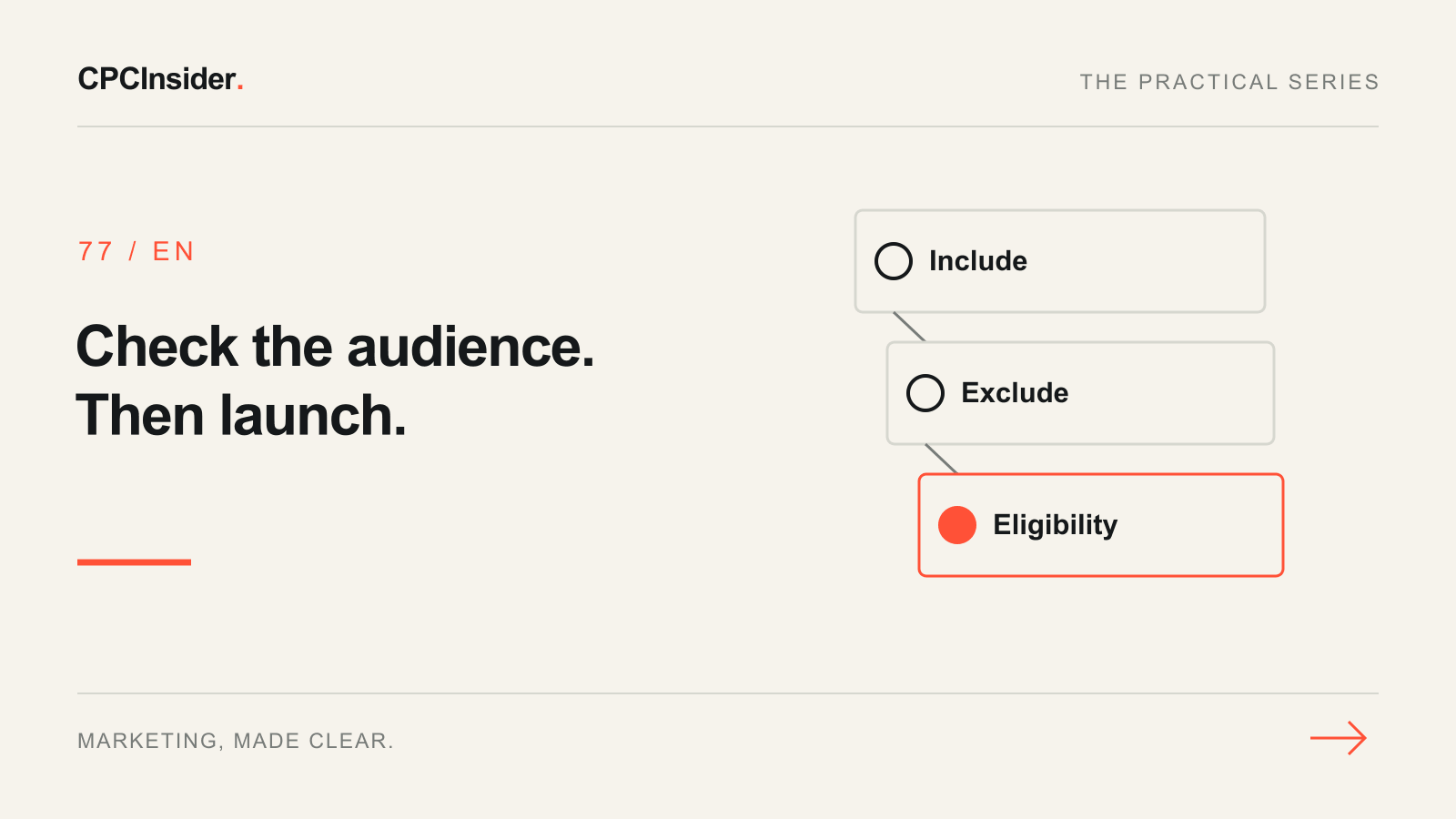
Write an inclusion action, a membership window and an exclusion. Use a behaviour tied to the offer, such as viewing a product comparison, instead of assuming every visitor needs the same reminder. Choose a window that reflects the buying cycle. Exclude completed purchases when the message asks for the same first purchase; a separate repeat purchase offer needs its own logic.
2. Check the audience source and permission
Confirm which tag or connected property populates the segment. Test the matching URL or event on a real route with safe test data. Respect user choices and applicable platform policies; do not broaden collection to meet an audience minimum. Never put email addresses, phone numbers or other personal details in URL rules or tag parameters.
3. Compare eligible reach on the intended network
In Audience Manager, inspect the segment's status and size for the selected network. Google's compatibility guidance explains that network, segment type and size can affect eligibility. Check the current status in the account rather than assuming a sitewide visitor count meets the requirement. Review audience exclusions and verify whether the chosen campaign can expand beyond the segment. Do not describe delivery as remarketing-only if expansion is enabled.
4. Use this hypothetical launch review
| Check | Observation | Decision |
|---|---|---|
| Web analytics | 900 visits to comparison pages | Not an eligible audience count |
| Audience Manager | Intended network shows too small | Do not launch this segment |
| Recent buyers | Purchase exclusion still being verified | Test it before spending |
| Message | Ad offers help choosing a plan | Send users to the relevant comparison |
If the segment is too small, wait or reconsider a genuinely related inclusion action. Do not remove necessary exclusions to make the numbers look bigger.
5. Separate attributed conversions from extra sales
Past visitors may already intend to buy. A reported conversion following an ad does not establish that the ad caused the purchase. Keep the comparison, attribution window and conversion definition stable. Use an appropriate holdout where feasible; with limited volume, report attribution and limitations. If delivery is weak even after eligibility is confirmed, check budget and rank constraints where those metrics apply.
Our paid media growth service helps connect audience, offer and measurement. Book a free 30-minute founder-led growth review for three written priorities, with no commitment to implementation.
About the author
Free founder-led growth review
Know where to focus your next marketing investment.
In a focused 30-minute conversation, we review your advertising, website and sales follow-up together. Afterwards, you receive a short written action plan you can use with your own team or with ours.
Your biggest growth gaps
See where your ads, website or follow-up may be losing potential customers.
Your next 3 priorities
Get a ranked action list with the reason for each recommendation and what to check next.
A practical starting plan
Leave with clear next steps for your team, plus our recommendation if you want help implementing them.
Continue reading
Google Ads impression share: budget problem or rank problem?
Losing Google Ads impressions? Separate budget from rank, work through a numerical example and choose a bounded next step before increasing spend.
Google Ads not spending: 7 checks before raising your budget
Google Ads getting no impressions or barely spending? Check campaign status, ad review, targeting and bid targets with this practical troubleshooting workflow.
Google Ads experiments: a checklist for tests you can interpret
Plan a Google Ads experiment with one hypothesis, reliable conversions and clear decision rules. Includes a test brief, worked example and results checklist.