Analytics
Microsoft Clarity: find what stops visitors on a landing page
Filter Microsoft Clarity recordings, reproduce a suspected landing page issue, and validate the fix with comparable sessions and confirmed conversions.
Vladlens Kecko · · 4 min read
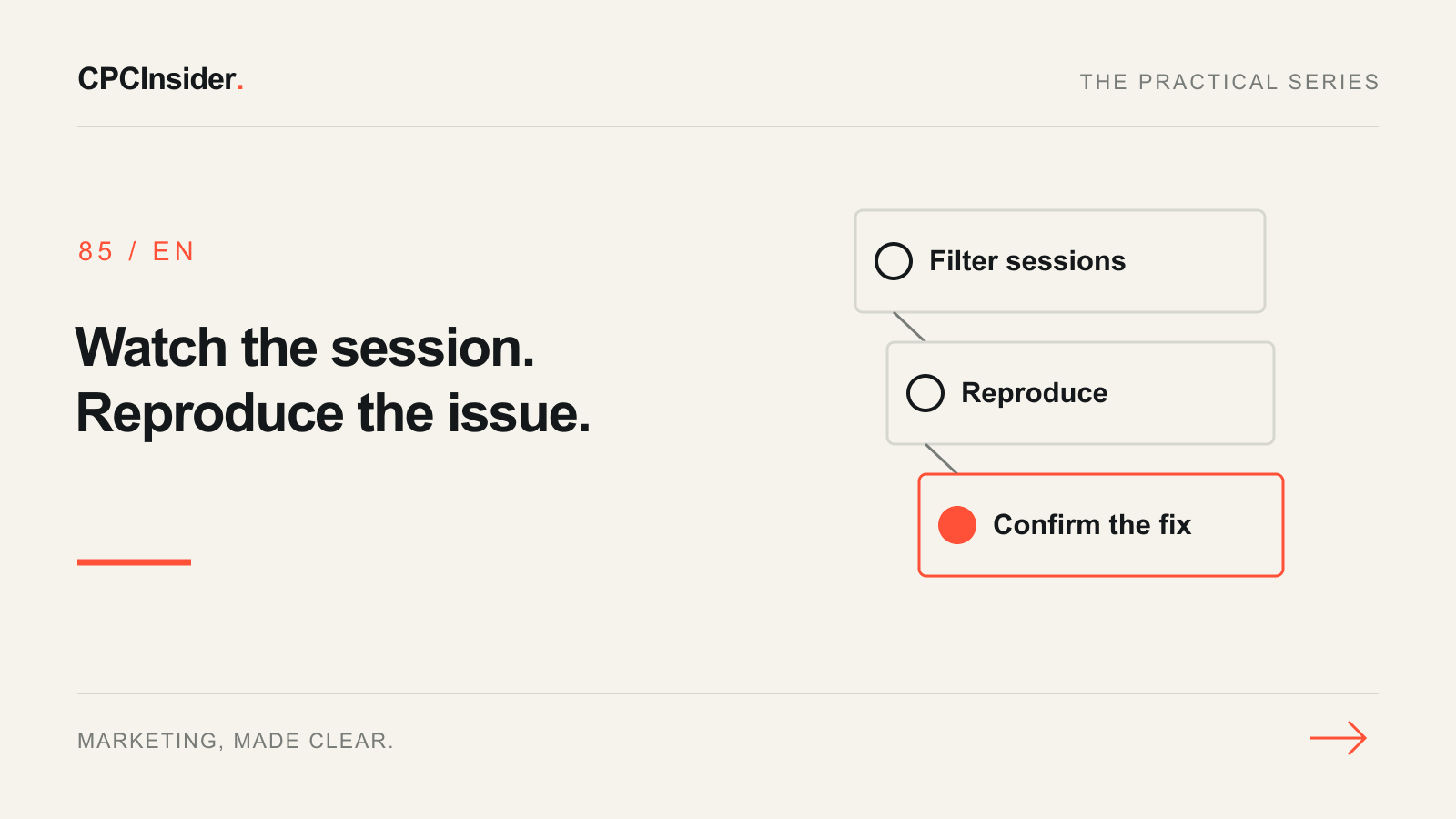
A landing page report can show that mobile visitors rarely submit a form. It cannot tell you whether the keyboard covers the button or whether a tap does nothing. Use Microsoft Clarity to identify a specific interaction you can reproduce. Use analytics and CRM records to assess the outcome.
1. Pick one page, device and action
Start with the exact landing URL and define the intended action, such as a successful enquiry. In Recordings, filter by entry page, device and a fixed date range. Review sessions with a relevant signal such as dead clicks, then sample sessions from the same segment without that filter. Some recorded sessions are unavailable, and repeated clicks can reflect expected behavior. Keep a note of the filter and how you selected recordings. Microsoft’s recordings overview and filter reference explain the available controls.
Keep masking in place and record the interaction instead of copying anything a visitor entered. Verify consent signals and masking with a controlled test on your own device before interpreting gaps in recordings. Microsoft’s consent documentation explains why recordings may have limited functionality when consent is unavailable.
2. Turn each observation into a test
| What you observe | What to verify on a test device |
|---|---|
| Repeated taps on a visible CTA | Check whether an overlay intercepts taps and whether the control visibly responds. |
| Input followed by an exit | Use synthetic data to check keyboard overlap, validation, and whether errors appear beside the relevant field. |
| Button responds without a confirmation | Compare the visible response with a controlled submission and check whether the test record reached the CRM. |
Record the URL, device, viewport, steps and expected behavior. If you cannot reproduce the issue, collect more evidence before changing the page. Treat a recording as evidence of an interaction, not a count of how many visitors had the issue.
3. Verify the repair and keep the result comparable
Fix one reproduced problem. Retest in the affected browser and on a second device. Verify the visual success state and confirm a test submission reaches the expected destination. Review later recordings with the same filters and compare the confirmed submission rate for similar traffic, noting acquisition mix or campaign changes. Small samples can show that a button now works without establishing that conversions rose.
Use the GA4 landing-page report to pick pages with enough relevant traffic. See our tracking and CRM service for help connecting site actions to lead outcomes. Book a free 30-minute founder-led growth review for a short written plan with three priorities.
About the author
Free founder-led growth review
Know where to focus your next marketing investment.
In a focused 30-minute conversation, we review your advertising, website and sales follow-up together. Afterwards, you receive a short written action plan you can use with your own team or with ours.
Your biggest growth gaps
See where your ads, website or follow-up may be losing potential customers.
Your next 3 priorities
Get a ranked action list with the reason for each recommendation and what to check next.
A practical starting plan
Leave with clear next steps for your team, plus our recommendation if you want help implementing them.
Continue reading
GA4 landing page report: find the pages worth improving first
Use GA4 landing-page data to choose your next improvement. Compare matched traffic, inspect a worked example and build a page-priority worksheet.
Google Ads landing page: 12 elements for qualified leads
Review your Google Ads landing page with 12 checks for message match, proof, forms, mobile use and tracking. Prioritise one change you can measure.
Conversion funnel: turn website visits into customers
Map your conversion funnel from visit to customer. Use a worked example, a free worksheet and GA4 checks to find lost enquiries and choose the next fix.