Paid Media
How to set up Meta Lead Ads and test delivery to your CRM
Set up an instant form in Meta Ads Manager, map its fields to your CRM and use a test lead to verify delivery, assignment and follow-up before launch.
Vladlens Kecko · · 5 min read
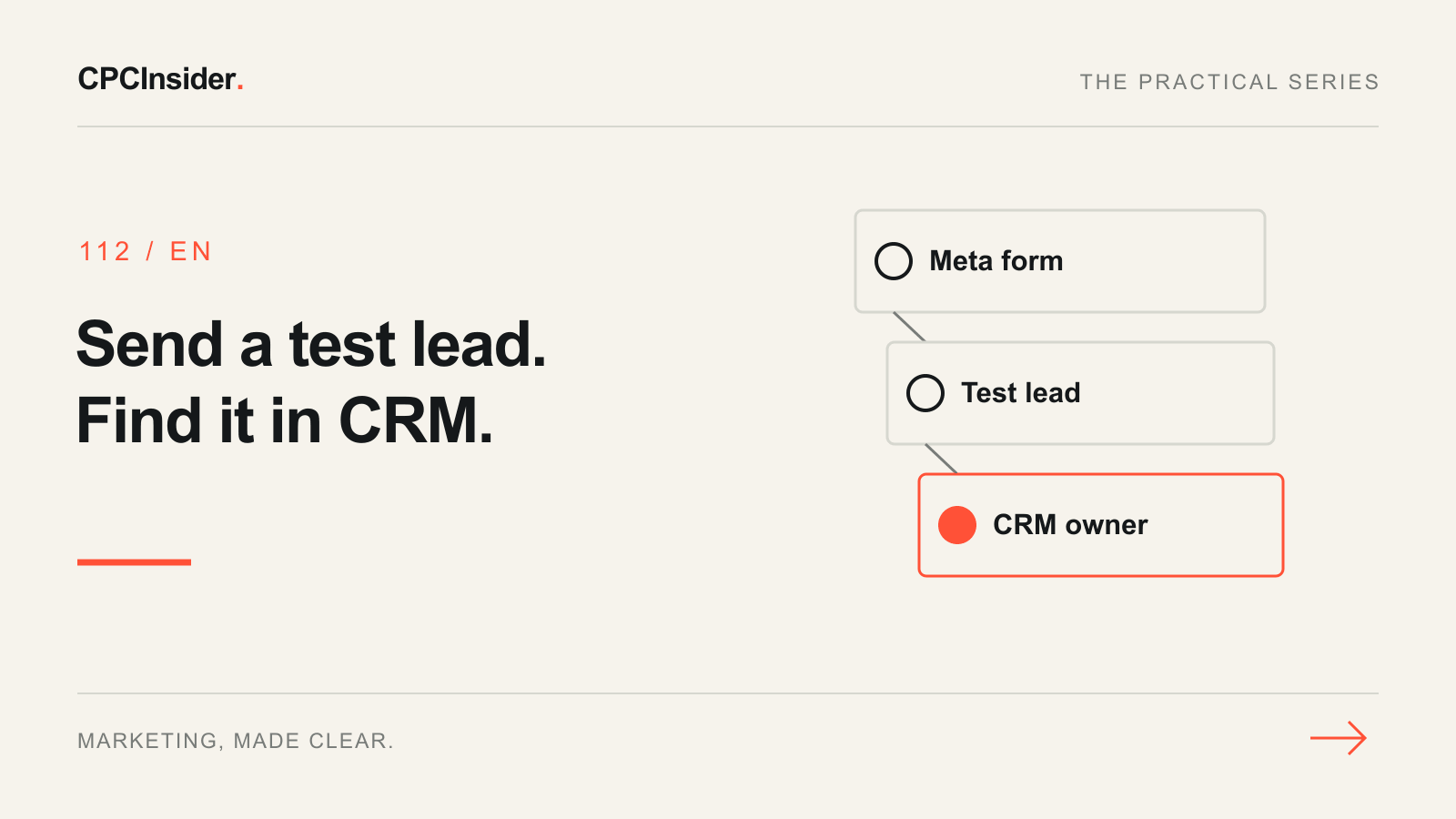
Send a test lead from your Meta form before you turn the ads on. Ask the salesperson who will handle the enquiry to open the CRM record and read back one form answer and the task they received. If they can see the record but have no task, check the assignment rule before spending anything.
Build the form in Ads Manager
- Create a draft campaign with the Leads objective. At the ad set, choose Instant forms as the conversion location. At the ad, select the Facebook Page handling the offer and attach the form you plan to use. Keep the campaign off until you finish the checks below. Meta's instant form setup guide
- Name the form so you can tell it apart from older versions. Use the introduction to say what the person is requesting. Ask for contact details your team will use and add a question only if the answer changes what you do. A service-area field can send an installation enquiry to the right team.
- Open the privacy policy link in the mobile preview. Check that the closing screen tells the person who will follow up and what they can do while waiting. Preview the ad and attached form together so you catch a mismatched offer or an old finish screen.
Map the form before you connect it
Write a one-line rule for each field your CRM needs. Use the person's answer to a routing question to pick the queue. Record the source as Meta and preserve the Page and form references where your connector exposes them. Keep identifiers in separate fields so a change to the form name does not break later reconciliation.
| Field in Meta or the connector | What to check in your CRM |
|---|---|
| Contact details | Values land in the right fields and the team can use the requested contact route. |
| Service area or requested service | A mapped answer reaches the right queue. A blank or unfamiliar answer reaches a named fallback owner. |
| Source and form reference | The team can find the record by its source and distinguish this form from older ones. |
| Meta lead ID, when available | Your integration can recognise a retry of the same submission without creating a second task. |
Connect the supported CRM integration to the Page and form you just checked. If the business limits lead access, ask the person who administers the Page to confirm access for the connector and whoever checks delivery. With a manual process, name the person who retrieves and assigns leads from Meta Leads Center and agree when they will check it. Meta's lead retrieval documentation
Send a test and find where it stops
Select the Page and form in Meta's Lead Ads Testing Tool and create a test lead using dummy details. Record the time and test ID if shown. Use a test inbox or coordinate with the follow-up owner so the rehearsal never sends a message to a real prospect. The tool creates an organic test lead with no ad attached. Use it to check delivery and routing. Check campaign attribution with a real submission after launch. Meta's testing documentation
| What you find | First check |
|---|---|
| Meta created the test lead, but nobody can find it in the CRM. | Check that the connector listens to this form and has permission to retrieve its leads. Review the integration's recent errors. |
| A CRM record arrived without the form answer. | Inspect the incoming field and its mapping. Check whether the field also needs to be added to the CRM view. |
| The right queue has the record, but nobody received a task. | Check the assignment rule and alert recipient with the person who covers that queue. |
| Two tasks appeared for one submission. | Compare the incoming lead IDs. If they match, check for a connector retry or two active workflows. Two different IDs can represent two separate submissions even when the contact details match. |
Keep a short record of the form, test time, CRM record reference, assigned owner and expected next action. Ask the owner to confirm they can find the record from their own account. If they cannot, fix access or assignment before launch.
Check the first live enquiry
Once a real enquiry arrives, match it to the right form and, where available, the ad or campaign. Check that the contact details, owner and next action carried through. Use the Meta lead-quality checklist if records arrive but few become sales conversations. Use the CRM workflow testing guide when follow-up has several branches or depends on an existing contact.
If you need help connecting B2B lead generation with sales follow-up, book a free 30-minute founder-led growth review. Bring the form and show us where the test stopped. You’ll get a short written plan with three priorities.
About the author
Free founder-led growth review
Know where to focus your next marketing investment.
In a focused 30-minute conversation, we review your advertising, website and sales follow-up together. Afterwards, you receive a short written action plan you can use with your own team or with ours.
Your biggest growth gaps
See where your ads, website or follow-up may be losing potential customers.
Your next 3 priorities
Get a ranked action list with the reason for each recommendation and what to check next.
A practical starting plan
Leave with clear next steps for your team, plus our recommendation if you want help implementing them.
Continue reading
Meta lead quality: 7 checks before buying more leads
Getting Meta form leads that never answer? Use seven checks for ad promises, qualification, CRM delivery and follow-up, plus a cost-per-qualified-lead example.
Google Ads conversion tracking for B2B: from click to revenue
Track Google Ads beyond form submissions. Preserve click sources in CRM, define qualified leads and connect campaign costs with won customers and revenue.
Marketing automation: test one workflow before it reaches customers
Map one trigger, exclusion rule, action and exit. Use a fictional workflow and test cases to catch duplicate sends and incorrect handoffs before launch.