Strategy
Marketing automation: test one workflow before it reaches customers
Map one trigger, exclusion rule, action and exit. Use a fictional workflow and test cases to catch duplicate sends and incorrect handoffs before launch.
Vladlens Kecko · · 6 min read
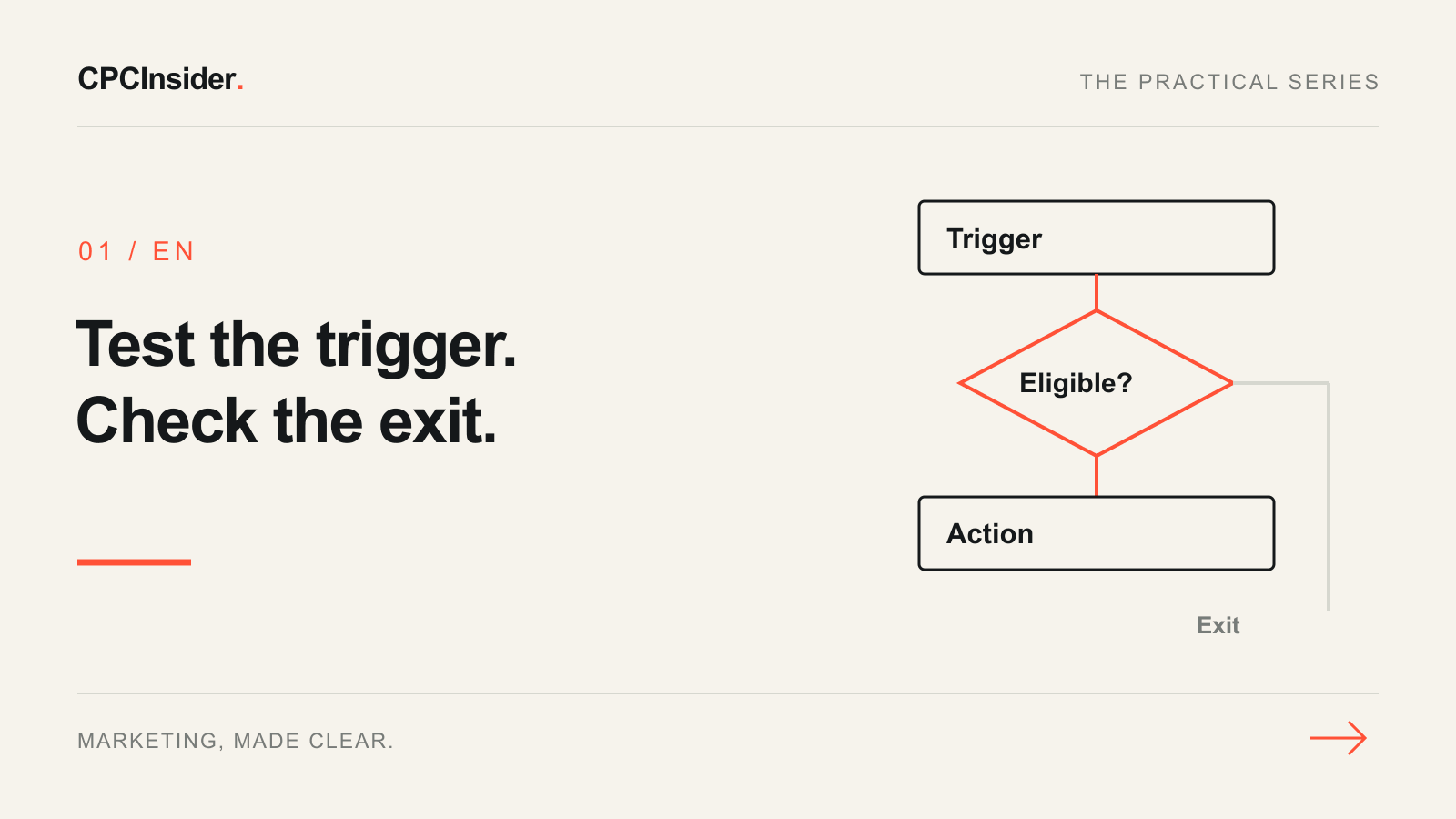
Before automating another marketing task, write down what should happen when the data is wrong. A workflow can repeat an error faster than a person. The useful first deliverable is a tested decision map, not a longer sequence of messages.
IBM describes marketing automation as software supporting routine marketing processes across channels. This guide supplies our own implementation worksheet. It is separate from choosing the content of a lead-nurturing plan: here the task is to verify entry, branching, repeat entry and stopping behaviour.
1. Pick one observable trigger
Write a narrow event: “A confirmed subscriber requests the equipment-selection worksheet.” Avoid “a lead is interested”, which leaves the system guessing. Identify the field or event that records the request, its timestamp and the unique contact ID.
Choose an owner who can pause the workflow. If the trigger depends on a CRM field, check who updates that field and whether a bulk import could also change it. A rule that works for a manual test may behave differently when old records are imported.
2. Define eligibility and exclusions separately
The trigger says something happened; eligibility says the workflow should act. Record the required subscription state, valid address and any account or sales-stage exclusions. A form submission alone should not become permission for unrelated promotional messages.
Check whether your builder combines conditions with AND or OR. Mailchimp's segment documentation illustrates that these operators select different groups. Recheck exclusions immediately before a delayed action, because a contact's status can change while waiting. Verify what your actual platform supports rather than assuming every builder behaves identically.
3. Draw the smallest useful workflow
This fictional B2B example delivers a requested worksheet and creates an internal task only when a consultation is requested. It is not a client result or a recommendation to activate a new automation without testing.
| Step | Rule to define | Expected result |
|---|---|---|
| Entry | Valid worksheet request from an eligible subscriber | Record request and workflow version |
| Exclude | Unsubscribed, suppressed or invalid address | No marketing send |
| Action | Eligible request, not already delivered for this request ID | Deliver the requested resource once |
| Branch | Consultation explicitly requested | Assign an internal task to the named owner |
| Exit | Delivery complete or eligibility lost | No unrelated follow-up |
A contact ID identifies a person; a request ID identifies a particular request. Decide whether a new request can re-enter and how duplicate events with the same request ID are handled. Do not use a fresh event timestamp alone to disguise duplicate submissions.
4. Test the cases that could embarrass the team
Use test contacts and a controlled recipient list, not live customers. Keep expected and actual results next to each case.
- Eligible first request: one resource delivery, correct language and link.
- Duplicate request ID: no second delivery under the agreed rule.
- Unsubscribed contact: no marketing action.
- Subscription withdrawn during a delay: queued marketing action stops.
- Consultation requested: exactly one task with the right owner.
- Missing owner or failed action: visible exception, not silent success.
Test stopping and repeat-entry rules in your chosen tool. A preview of the message does not test the entire workflow. Check the recorded timestamps, action log and task assignment as well.
5. Release with a small boundary and a recovery plan
Before activation, record the approved audience, owner, workflow version and pause control. Start with an agreed limited eligible group. Decide how to handle records already waiting if you pause or change the flow; pausing does not necessarily undo actions already completed.
Review entry count, eligible count, completed actions, duplicates and exceptions. Delivery is not revenue, and a completed workflow is not proof of incremental sales. Connect meaningful later outcomes through your CRM measurement process without putting personal details into analytics events.
Your output: one verified workflow
Keep the decision map, test log and owner together. If you cannot explain why a test record entered, acted or stopped, resolve that uncertainty before scaling. Business growth support can help connect automation to a process the team can operate. Request a free 30-minute founder-led growth review for a short written three-priority plan, with no obligation to hire CPCInsider.
About the author
Free founder-led growth review
Know where to focus your next marketing investment.
In a focused 30-minute conversation, we review your advertising, website and sales follow-up together. Afterwards, you receive a short written action plan you can use with your own team or with ours.
Your biggest growth gaps
See where your ads, website or follow-up may be losing potential customers.
Your next 3 priorities
Get a ranked action list with the reason for each recommendation and what to check next.
A practical starting plan
Leave with clear next steps for your team, plus our recommendation if you want help implementing them.
Continue reading
Lead nurturing: build a follow-up plan around the buyer’s next question
Plan useful follow-up for interested prospects: buyer questions, useful resources, sales handoffs and stop rules, with a clearly fictional service example.
Google Ads conversion tracking for B2B: from click to revenue
Track Google Ads beyond form submissions. Preserve click sources in CRM, define qualified leads and connect campaign costs with won customers and revenue.
Email marketing: a pre-send checklist for one useful campaign
Check recipients, sender setup, message, landing page and follow-up before sending. Includes a campaign worksheet and a fictional reporting example.