Analytics & CRM
Advertising measurement: build a GA4 and CRM measurement plan
Build an advertising measurement plan linking GA4 events, Google Ads and CRM outcomes. Practical checks from CPCInsider, co-founded by a former Google specialist.
Vladlens Kecko · · 4 min read
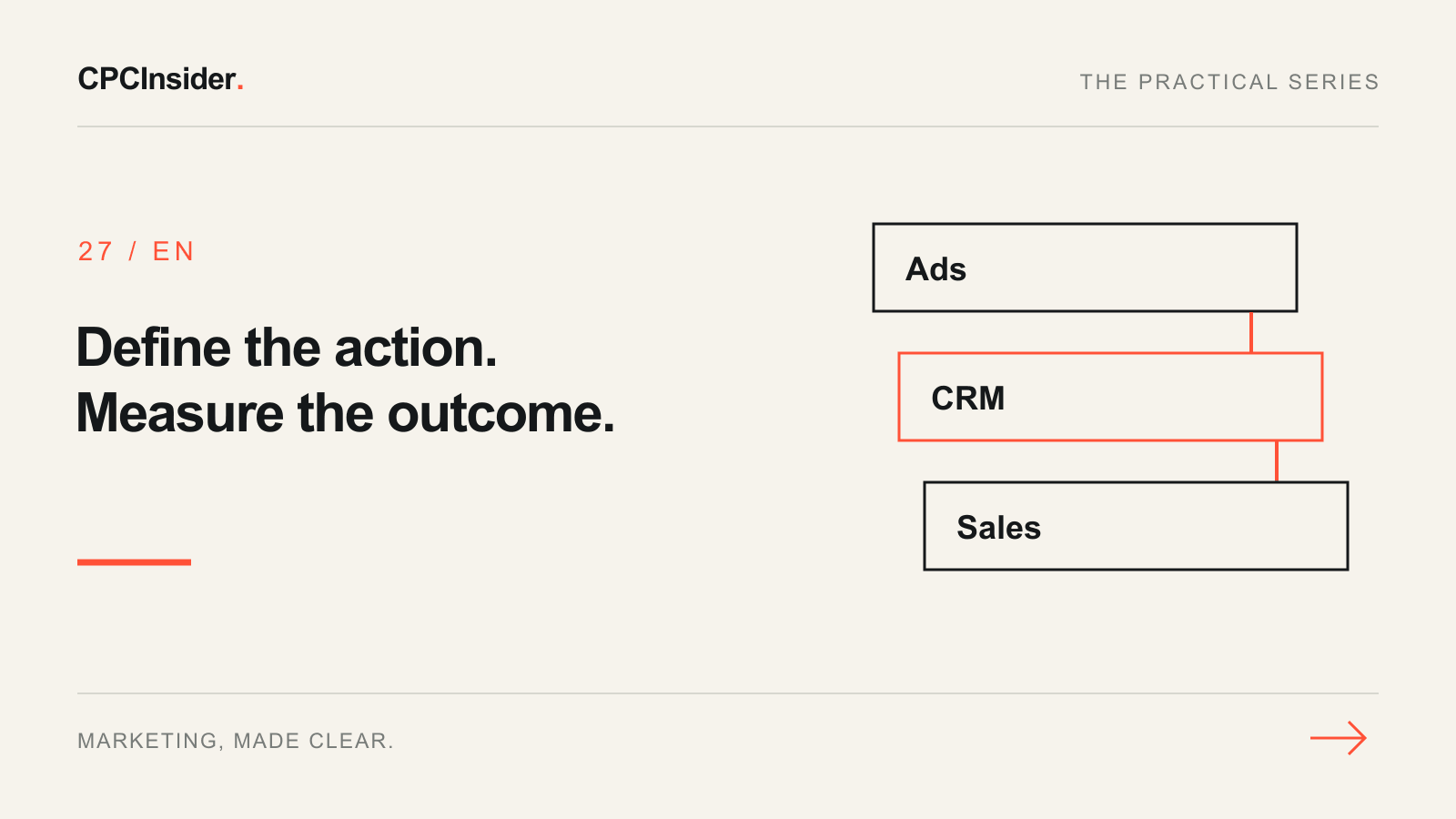
Reliable advertising measurement starts with definitions, not a dashboard. Before comparing campaigns, decide which customer action matters, where it is recorded and who confirms that it happened. A click on a submit button is not the same as a successfully received enquiry.
CPCInsider is co-founded by Arturs Rubins, a former Google specialist. We combine his advertising-platform experience with tracking and CRM work to help businesses connect campaign decisions to commercial outcomes. The right setup depends on your actual customer journey.
1. Start with three business questions
Write down: which campaigns bring relevant enquiries, which enquiries become customers, and where does the journey lose people? Assign an owner to each answer. Marketing usually owns acquisition data; sales must confirm qualification and won business. Without that agreement, a more elaborate dashboard only makes inconsistent numbers easier to distribute.
For a service business in Latvia, distinguish delivery area and language from personal details. You may need to compare Latvian and Russian landing pages, but you do not need a person's name or message in an analytics event.
2. Complete an event specification before installing tags
The following is an illustrative plan, not a claim about your current setup.
| Business action | Data source | Confirmation rule | Owner |
|---|---|---|---|
| Visitor starts an enquiry | Website event | First genuine interaction with the form | Website team |
| Enquiry received | Website/backend success signal | Submission saved successfully | Developer |
| Enquiry accepted | CRM status | Sales confirms agreed fit criteria | Sales lead |
| New customer won | CRM/accounting record | Agreed commercial success condition met | Commercial owner |
For each row, add the event name, allowed non-personal parameters, consent behaviour and a test case. Google documents recommended lead events, including generate_lead and later lead outcomes. Choosing a name does not install the tracking or connect your CRM automatically.
3. Decide what should influence bidding
Google distinguishes GA4 key events and advertising conversions. Select signals that represent the outcome you want to buy. Do not assume every useful diagnostic event should be a bidding objective.
Check the campaign's actual goals and the conversion action settings. Document whether form starts, accepted enquiries and sales are diagnostic or optimisation signals. Avoid measuring one submission through two active implementations without understanding how it appears in reports and goals.
4. Test the entire path
Run a successful submission, a validation error, a failed request and a repeat visit to a confirmation page. A failed submission must not appear as a successful lead. Inspect permitted event parameters and verify that email addresses, phone numbers and free-text messages are not being sent to GA4. Test the implementation's intended consent behaviour too.
Then confirm that the successful test exists in the CRM and can be assigned the correct status. Record timestamps, expected outcomes and who approved the test. Use the GA4 audit checklist for a wider implementation review.
5. Reconcile before you optimise
Use the same definitions and reporting period when comparing systems. Keep a short discrepancy log: missing record, duplicate, timing difference or attribution difference. Your website, GA4, advertising account and CRM are not interchangeable totals; consult the GA4 and Google Ads discrepancy guide before forcing them to match.
Get a measurement plan tied to sales
Explore tracking, attribution and CRM support or request a free performance audit. Share the decisions your reports cannot answer. We can discuss a measurement scope with clear definitions, owners and verification steps.
About the author
Your next step
Can you trust the numbers behind your decisions?
Get an outside perspective on your advertising, tracking and customer journey. Tell us what isn’t working, and we’ll discuss where to focus first.
Advertising
Do your campaigns attract the right customers?
Measurement
Do reported conversions reflect real enquiries or sales?
Conversion
Is your website making the next step clear?
Continue reading
CPC, CPA and CAC: which cost should guide your marketing?
Understand cost per click, enquiry and customer with a worked example. CPCInsider pairs former Google experience with practical campaign and CRM measurement.
Google Ads conversion tracking for B2B: from click to revenue
Connect campaign identifiers, lead stages and sales outcomes so advertising decisions reflect qualified pipeline and closed revenue.
GA4 audit checklist: 18 checks before you trust your reports
A hands-on GA4 audit for website owners and marketing teams: verify what is collected, trace real customer actions and separate tracking faults from reporting differences.