Growth Strategy
Sales forecasting: review the deals behind next month’s number
Build a reviewable sales forecast from deal evidence. Separate open pipeline, forecast judgment and confirmed wins; track changes without invented probabilities.
Vladlens Kecko · · 4 min read
The forecast looks healthy, but the expected deals keep moving into next month. Open the opportunities included in the next reporting period. Before changing the target, check which deals have buyer-supported timing and a dated next step.
This worksheet reviews a period-specific forecast. It complements our sales pipeline stages guide, which defines the evidence needed to move a deal through the process.
Define what you are forecasting
Write the period, cut-off date, currency and amount basis above the worksheet. First-contract value, recurring revenue and cash collection answer different questions. Do not combine them in one total. A signed contract does not by itself establish when its cash will arrive.
Keep the revenue goal, open opportunity value and forecast judgment separately labelled. HubSpot's forecast documentation distinguishes open pipeline, weighted or total pipeline and submitted forecasts. Check your own CRM's settings before interpreting a label. This worksheet does not require purchasing a forecasting feature.
Inspect the deals, not just the sum
Use an authorised CRM view and deal IDs rather than copying personal contact information into a shared spreadsheet. Start with the records included in the period. For each, check the amount basis, expected decision date, latest meaningful buyer evidence and owner of the next action.
| Field | What to record | If it is missing |
|---|---|---|
| Deal ID and amount basis | One distinct buying decision and a consistent value | Resolve duplicates or incompatible amounts |
| Expected decision date | Date supported by the buying process | Ask what remains before a decision |
| Buyer evidence | Confirmation of the next commercial step | Separate the seller's assumption |
| Next action and owner | A specific task and date | Assign it before the review closes |
| Main uncertainty | Approval, scope, budget, timing or another known issue | Keep uncertainty visible |
An overdue close date is a review flag, not proof that the deal is lost. Ask what changed before moving or removing it. Never manufacture urgency to improve a dashboard.
Separate stage from forecast judgment
A proposal stage records process progress. It does not guarantee a decision this period. Your team can classify which deals belong in its expected forecast and which are additional possibilities, but each label needs a written definition and supporting evidence.
CRM implementations vary. HubSpot's setup guide describes configurable forecast categories and stage mappings. Do not assume a category name has the same meaning in every account. Preserve the business's approved definitions rather than silently remapping production stages.
If a weighted calculation is used, record where the weights came from. Arbitrary stage percentages create apparent precision. With insufficient relevant history, report unweighted pipeline and documented judgment separately instead of inventing calibrated probabilities.
Save a snapshot and explain the movement
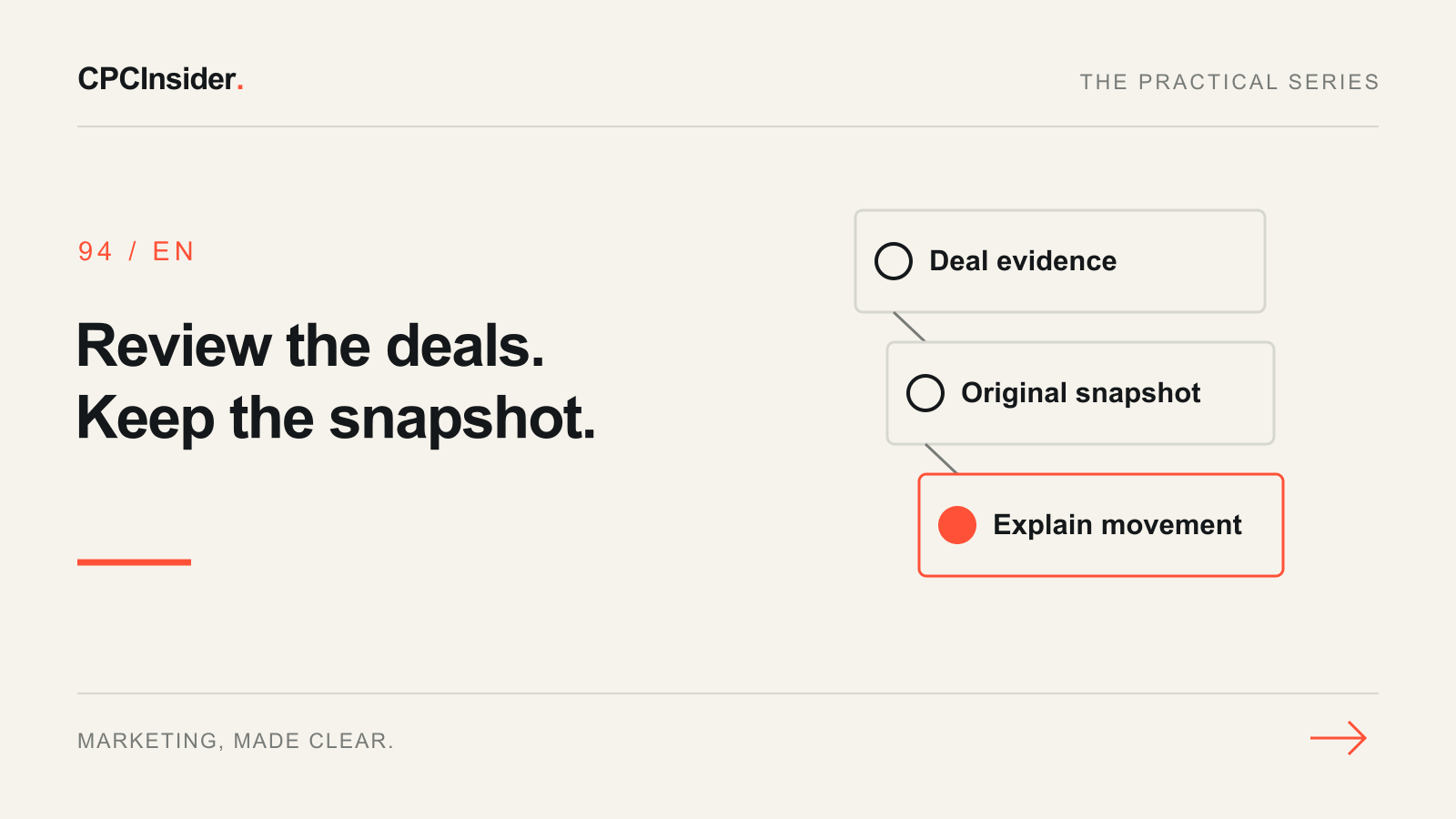
At the agreed cut-off, retain the permitted deal-level snapshot and forecast total. At the next review, identify additions, removals, amount changes and timing changes. Keep the original forecast: replacing it with the latest CRM state destroys the comparison.
When the period ends, compare the original forecast with actual results using the same commercial basis. Record forecast minus actual: a positive result means the original forecast was higher than the actual outcome. Keep the absolute difference separately if comparing error size, and record the reasons behind the movement. Do not call a percentage error meaningful when its actual-value denominator is zero. Review repeated timing or qualification errors over several periods before changing the model.
Freeze the original snapshot before updating the live CRM. Keep revisions beside it with dates, so a changed forecast cannot silently replace the number you later evaluate.
End with an operational decision
Agree the next action, owner and review date for every material uncertainty. Repeated scope confusion may need a clearer offer; missing follow-up may need a handoff repair. Neither follows from the forecast total alone. Use the lead-nurturing plan and CRM measurement guide for the connected workflows.
Our business growth service connects marketing and sales execution. Book a free 30-minute founder-led growth review for a short written three-priority plan, with no obligation to hire CPCInsider.
About the author
Free founder-led growth review
Know where to focus your next marketing investment.
In a focused 30-minute conversation, we review your advertising, website and sales follow-up together. Afterwards, you receive a short written action plan you can use with your own team or with ours.
Your biggest growth gaps
See where your ads, website or follow-up may be losing potential customers.
Your next 3 priorities
Get a ranked action list with the reason for each recommendation and what to check next.
A practical starting plan
Leave with clear next steps for your team, plus our recommendation if you want help implementing them.
Continue reading
Sales pipeline stages: define the evidence before moving a deal
Define sales pipeline stages with buyer evidence, clear exit criteria and a next-action owner. Includes a fictional CRM worksheet and weekly review checklist.
Google Ads conversion tracking for B2B: from click to revenue
Track Google Ads beyond form submissions. Preserve click sources in CRM, define qualified leads and connect campaign costs with won customers and revenue.
How to build a weekly marketing scorecard for your team
Create a weekly marketing report with defined KPIs, owners and next actions. Use lead-generation and ecommerce examples to turn numbers into decisions.