Paid Media
Google Ads Editor: a checklist for posting bulk changes
Use Google Ads Editor to refresh account data, review bulk changes, post a small batch, and reconcile the result against an approved change list.
Vladlens Kecko · · 4 min read
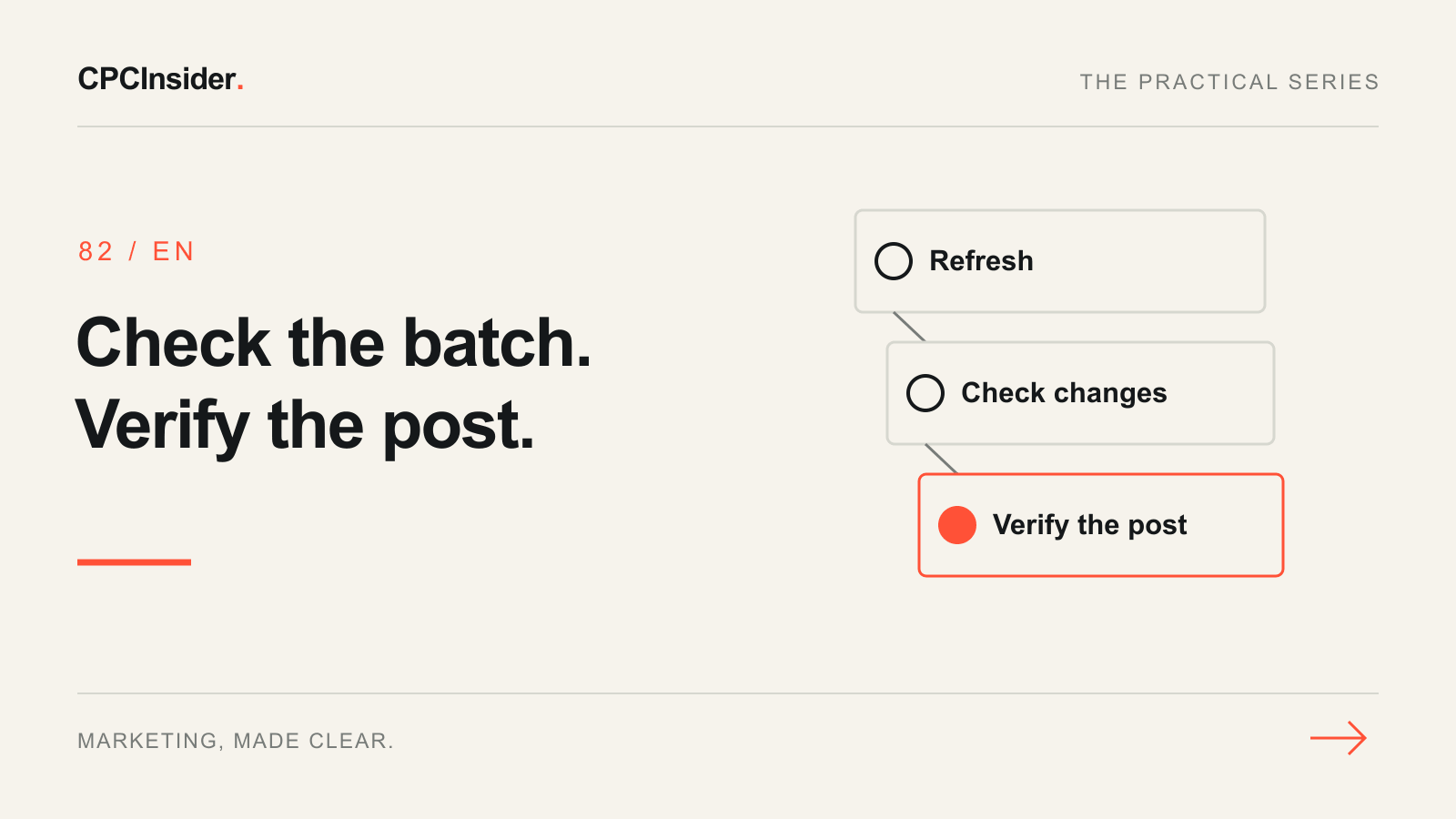
A bulk edit in Google Ads Editor can change dozens of ads in a single post. The fastest way to catch a wrong campaign, URL or budget is to compare the draft with a written list of intended changes before uploading it.
1. Refresh and set a baseline
Confirm the account ID and select the campaigns you intend to change. Use Get recent changes and review conflicts with any existing draft. If Editor warns that a partial download would discard unposted edits outside your selection, cancel and resolve those drafts first. Record the affected campaign and ad identifiers, original values, proposed values and expected count. Save the before-state somewhere your team can access. Google explains recent changes and conflict handling.
2. Compare the local draft with the approved list
Filter to the edited campaigns and review the rows by item type. Check the count, then sample across campaigns and locales. For final URLs, open the exact mobile destination, follow any redirect and verify the page matches the offer and language. Confirm that budgets, bidding and status are outside the draft if they are outside your scope. Run Check changes. Resolve errors and investigate warnings before posting. A successful policy check still leaves the business intent and URL checks to you. Google explains errors and warnings.
| Hypothetical change | Expected | Draft |
|---|---|---|
| English ad URL updates | 8 | 8 |
| Latvian ad URL updates | 4 | 5 |
| Budget or status changes | 0 | 0 |
The fifth Latvian row needs an explanation. If it was an accidental selection, revert that unposted row, confirm the draft has exactly 12 URL updates, and rerun the check. Keep the campaign and original URL in your change log. How to revert an unposted edit.
3. Post one campaign and reconcile
If you can split the work safely, post only the first approved campaign using Selected campaigns. Review the summary before posting and save the per-campaign result. Compare accepted and rejected rows with the intended list, then verify a sample in the web account. For a partial success, refresh before preparing a retry. Correct only the outstanding rows. To undo an already posted value, prepare and approve a new change using the recorded baseline. Google’s posting instructions.
The Google Ads management checklist covers ongoing account reviews. For help setting up that process, see our paid media service. Book a free 30-minute founder-led growth review for a short written plan with three priorities.
About the author
Free founder-led growth review
Are your ads attracting the right customers?
In a focused 30-minute conversation, we review your advertising, website and sales follow-up together. Afterwards, you receive a short written action plan you can use with your own team or with ours.
Your biggest growth gaps
See where your ads, website or follow-up may be losing potential customers.
Your next 3 priorities
Get a ranked action list with the reason for each recommendation and what to check next.
A practical starting plan
Leave with clear next steps for your team, plus our recommendation if you want help implementing them.
Continue reading
How to switch Google Ads agencies without losing control of your accounts
Changing Google Ads agencies? Check account access, billing, conversion tracking and campaign history with this practical account handover checklist.
Google Ads management: what to check weekly and monthly
Use a weekly Google Ads checklist to review budgets, search terms, tracking and lead quality. Decide what to change and record the evidence.
Google Ads checklist: 25 checks to find wasted spend
Start with trustworthy conversions, then check targeting, budgets and the customer journey. Use these 25 checks to turn an account review into a clear action plan.