Analytics & CRM
How to connect Google Ads with your CRM and optimise for real customers
Return qualified opportunities and won business to Google Ads so campaign decisions learn from real commercial outcomes rather than raw forms.
Vladlens Kecko · · 12 min read
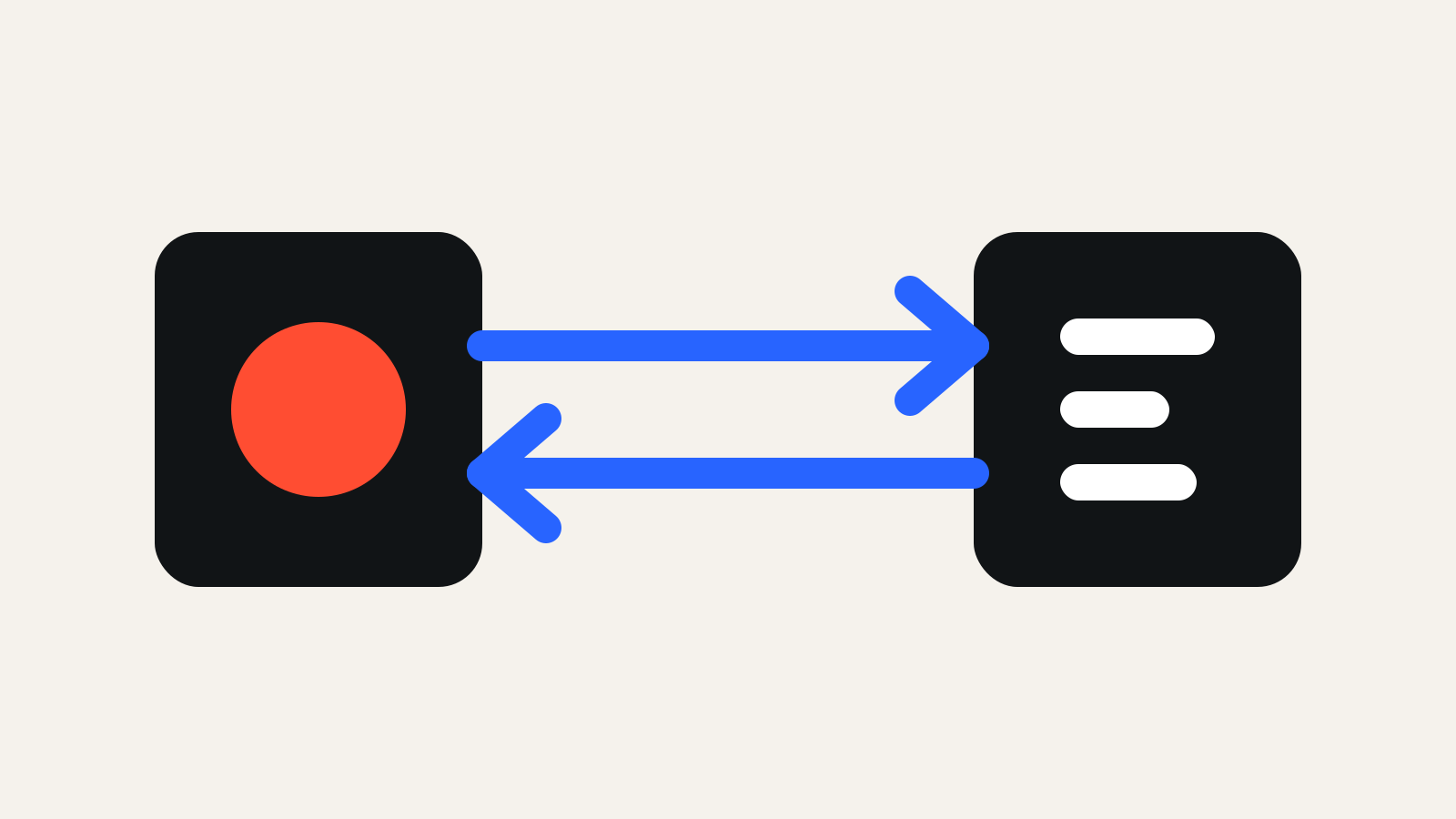
A Google Ads CRM integration retains the origin of an advertising click on the contact record and later returns a qualified business outcome to the platform. Campaigns can then learn from opportunities and customers rather than people who merely submit forms.
What the integration needs to connect
The practical flow is straightforward: the click creates an identifier, the form sends it into the CRM, sales updates the lifecycle stage and an important stage is returned to Google Ads.
- UTM parameters create understandable reporting.
- A GCLID or other click identifier connects the offline outcome.
- The original landing page provides context.
- The CRM stage defines commercial significance.
- Time and value support cycle and return analysis.
Our tracking, attribution and CRM service builds this flow around sales definitions rather than treating it as an isolated technical project.
1. Define the CRM lifecycle
Agree what new lead, qualified lead, opportunity, proposal and won deal mean. Do not import every stage as a bidding goal. Select an event that is frequent, stable and commercially relevant. In a complex B2B cycle this is often a qualified lead or sales opportunity.
2. Retain click data on the contact
Add hidden fields to the form, preserve the first source and test whether data survives redirects, domain changes and CRM automation. Maintain a report of contacts with an unknown source.
The CRM conversion-tracking guide helps map attribution and revenue reporting before technical implementation begins.
3. Import qualified conversions
When a contact reaches the chosen stage, send the click identifier, conversion time, conversion name and, when appropriate, value to Google Ads. Validate a small sample manually before automating the process.
Keep raw forms and qualified opportunities as separate conversion actions. This makes it possible to compare volume, quality and data loss without mixing different signals.
4. Protect data quality and privacy
Document consent, retention and access. Use only necessary data and apply required hashing. Monitor rejected imports, time zones, currencies and duplicate handling. Repeat end-to-end tests whenever a form or CRM workflow changes.
5. Use the data in campaign decisions
Compare campaigns by cost per qualified opportunity and won value. Do not stop a segment only because its raw CPL is higher when its sales close rate is stronger.
The construction lead-generation case shows the importance of treating advertising and CRM as one system. Our article about low-quality Google Ads leads explains how this feedback changes optimisation.
Frequently asked questions
Does this require a new CRM?
Usually not. Stable stages, custom fields and a reliable way to export or send data matter more than the CRM brand.
When can bidding optimise for qualified leads?
When the selected event occurs frequently and reliably enough. With low volume, use it for human decisions while retaining a more frequent interim signal for bidding.
How should the integration be tested?
Create a test contact, confirm its source, move it to the selected lifecycle stage and inspect the resulting import in platform diagnostics.
About the author
Continue reading
Google Ads conversion tracking for B2B: from click to revenue
Connect campaign identifiers, lead stages and sales outcomes so advertising decisions reflect qualified pipeline and closed revenue.
B2B lead generation in Latvia: a system sales can trust
Reliable B2B lead generation is an operating system connecting the offer, acquisition, qualification and sales process—not a form-volume target.
How to choose a Google Ads agency in Latvia: 12 questions
A strong partner does more than manage an advertising account. It explains decisions, protects your data and owns the path toward a business outcome.