Analytics
GA4 acquisition reports: when to use User vs. Traffic acquisition
Choose the GA4 acquisition report that fits your question, align dimensions and metrics, and explain why the same channel can tell two different stories.
Vladlens Kecko · · 4 min read
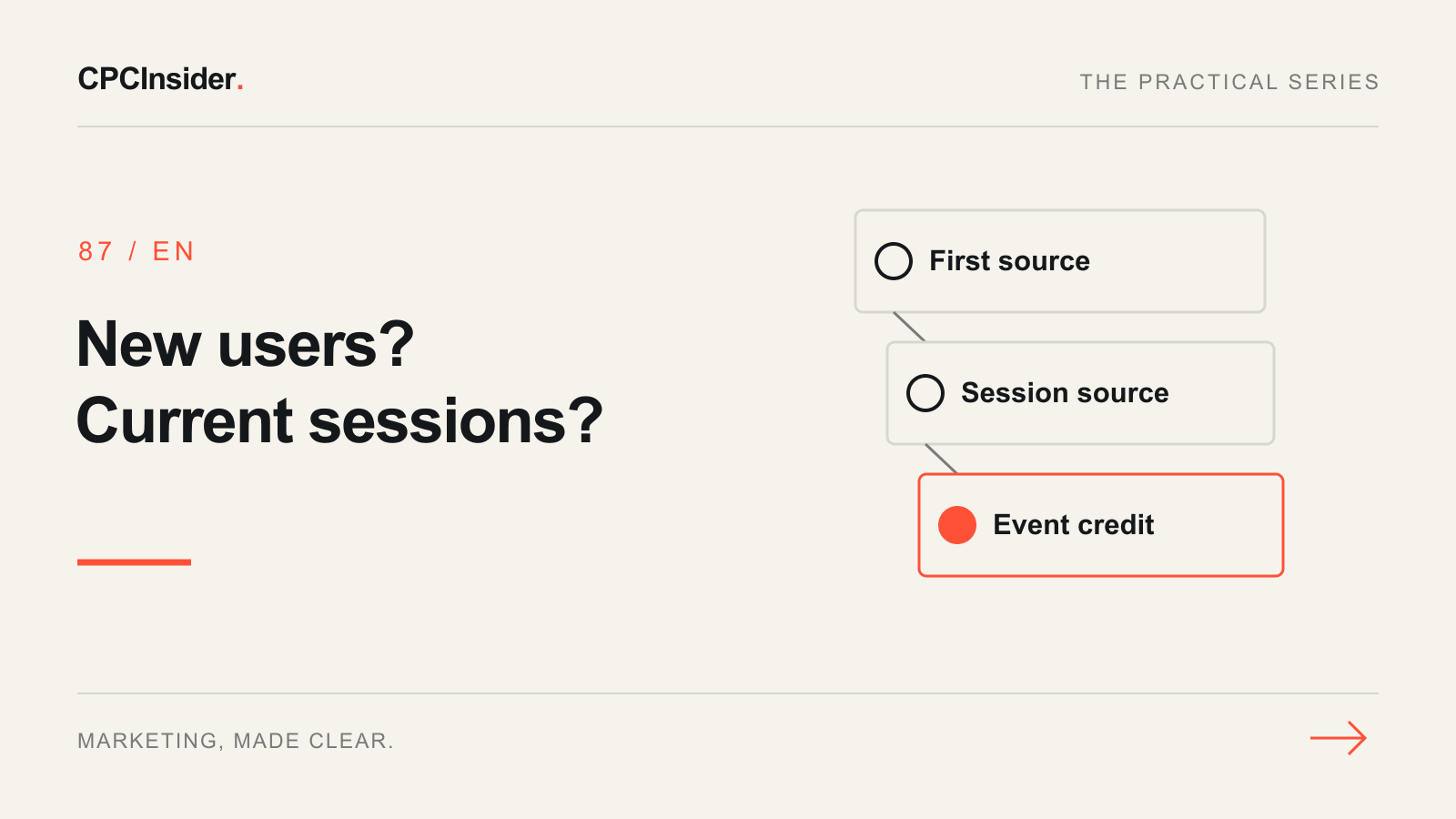
An email campaign can bring back many visitors without being the source that first brought them to the site. GA4 has two acquisition reports because these are different questions. Choose the report before assembling a channel scorecard, and state its scope next to the result.
1. Choose the report based on the decision
| Business question | Report and dimension | Metric to start with |
|---|---|---|
| Which sources first brought in new users? | User acquisition → First user source / medium | New users |
| Which sources are associated with sessions in this period? | Traffic acquisition → Session source / medium | Sessions and engaged sessions |
| Which interactions receive credit for key events under the selected attribution settings? | An appropriate attribution report, with event-scoped dimensions | Relevant key event and attribution credit |
Google documents the difference between the two acquisition reports and user, session and event scopes. Similar metric names do not make two differently scoped channel rows interchangeable.
2. Keep each export internally consistent
Open Reports and look for User acquisition or Traffic acquisition, usually under Acquisition. Navigation varies by property. Select the same comparison dates, property and stream where applicable. Keep the report’s scope in the export name and use dimensions of that scope for comparisons. Document filters and reporting identity. If campaign traffic is mislabeled, test a tagged destination and review the UTM naming guide before changing the channel report.
3. Explain the gap with one question at a time
In a hypothetical example, an owner sees 24 email sessions but only 3 new users whose first source is email. These numbers describe different populations. The data does not tell you that exactly 21 visitors returned. Use User acquisition to assess first discovery, Traffic acquisition to assess sessions, and the CRM to confirm qualified enquiries. If the variation appears only after switching to a session-scoped dimension, update the scorecard label rather than editing tags on that evidence alone. See Google's Traffic acquisition instructions for the standard report.
Pair this check with the guide to GA4 Unassigned traffic if channels cannot be classified. For help aligning GA4 and lead outcomes, see our tracking and CRM service. Book a free 30-minute founder-led growth review for a short written plan with three priorities.
About the author
Free founder-led growth review
Can you trust the numbers behind your decisions?
In a focused 30-minute conversation, we review your advertising, website and sales follow-up together. Afterwards, you receive a short written action plan you can use with your own team or with ours.
Your biggest growth gaps
See where your ads, website or follow-up may be losing potential customers.
Your next 3 priorities
Get a ranked action list with the reason for each recommendation and what to check next.
A practical starting plan
Leave with clear next steps for your team, plus our recommendation if you want help implementing them.
Continue reading
GA4 Unassigned traffic: 6 checks to find the cause
Find why GA4 shows Unassigned traffic. Check source/medium, UTM links and session tracking, then verify the fix without hiding missing acquisition data.
GA4 landing page report: find the pages worth improving first
Use GA4 landing-page data to choose your next improvement. Compare matched traffic, inspect a worked example and build a page-priority worksheet.
How to create a UTM naming convention your team can use
Stop splitting campaign reports across inconsistent UTM tags. Use a clear naming template, example links and a GA4 checklist before every launch.