Analytics & CRM
GA4 duplicate purchases: find the sender and fix order IDs
GA4 showing too many purchases? Trace duplicate senders, check transaction IDs and test refreshes, retries and second orders with this practical checklist.
Vladlens Kecko · · 7 min read
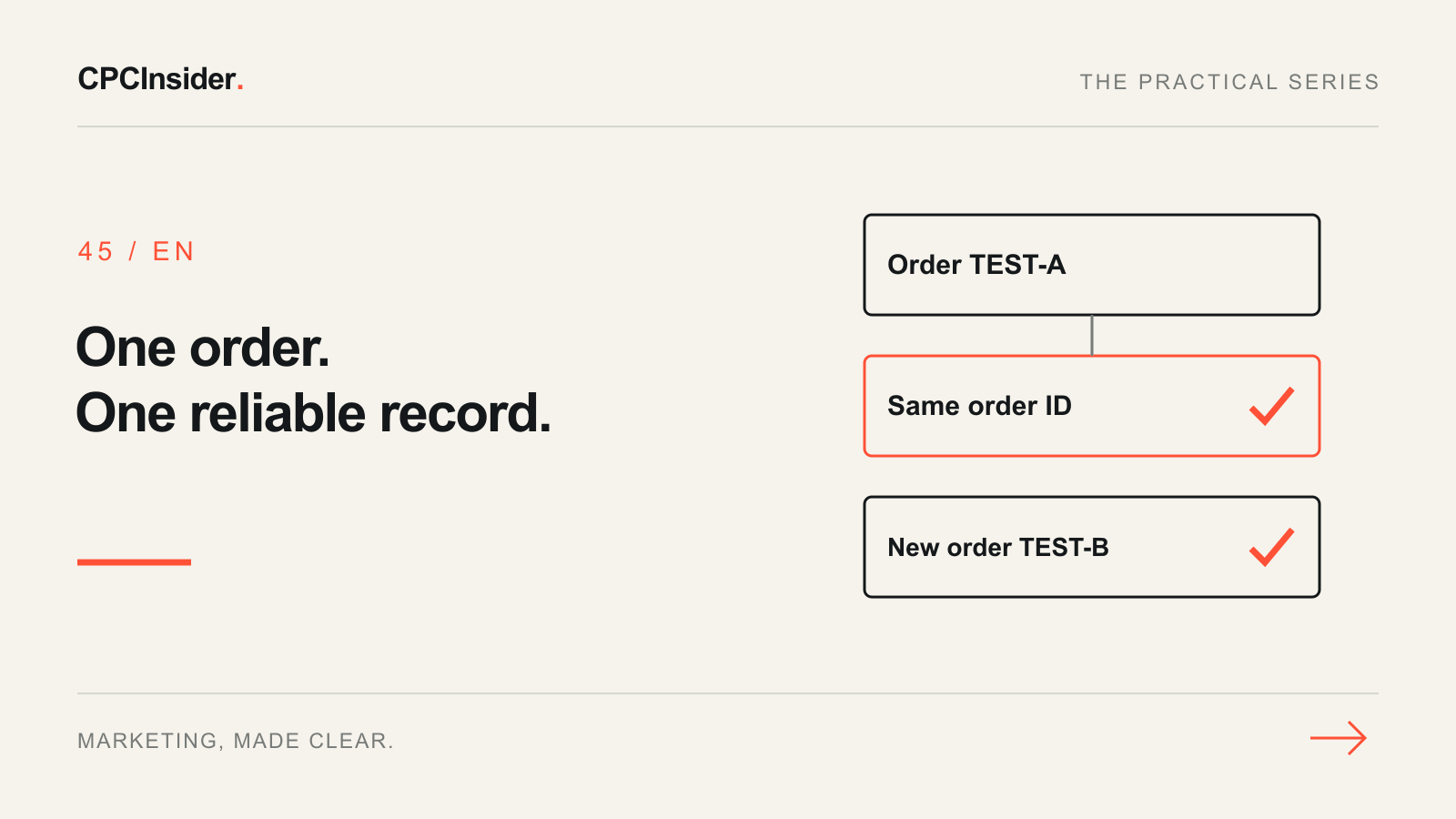
When GA4 shows more purchases than your store, start with one order and its event trail. A reporting filter cannot fix two integrations sending the same sale, and a new random transaction ID on every refresh can make one order look like several.
This guide focuses on purchase collection in a website’s GA4 web stream. Use the broader GA4 audit checklist for the rest of the property. If order counts are sound but payment providers appear as acquisition sources, follow the separate payment-referral workflow.
1. Establish whether the mismatch is really duplication
Record the GA4 property, stream, report, metric, date range and time zone. Compare the same order population: paid versus created orders, gross versus net revenue, refunds, tax and shipping. An event count is not automatically a count of unique business orders.
Take a small sample of non-personal order references from the store. For each, record the purchase time, amount and currency, then inspect the corresponding tracking evidence. Missing orders and repeated orders can coexist; a matching grand total does not prove correct tracking.
| Symptom | First check | Evidence to save |
|---|---|---|
| One order sends two purchase events | Which integrations send them? | Sender, timestamp, stream and order ID |
| Refresh creates another transaction reference | Is the ID generated on page load? | Original and refreshed payloads |
| Several real orders collapse into one | Is the ID constant, empty or reused? | Two different orders and their IDs |
| Counts match but revenue does not | Are amount, currency and refund definitions aligned? | Item values, tax, shipping and order status |
2. Inventory every purchase sender
List the ecommerce platform integration, hardcoded website events, GTM tags and any server-side integration. For each, name its owner, trigger, destination measurement ID and order-ID source. Two containers are a clue, not proof: trace what each actually sends.
Use Google’s collection troubleshooting tools during an approved sandbox checkout. In DebugView, select your test device and inspect the purchase parameters. Use tag preview and the implementation’s own logs to establish which sender produced each event; DebugView alone may not identify that sender.
Keep consent choices intact. A missing event in a consent-restricted test is not permission to force tracking. Use a test property where practical and document how test activity is kept out of business reporting.
3. Make the transaction ID represent the order
Google’s transaction-ID guidance describes deduplication for web streams, not app streams. Repeated purchases from the same user with the same ID can be deduplicated; that is not a universal guarantee across identities or implementations.
Apply this order-level contract:
- A completed order receives a stable, non-personal ID from the order system.
- A retry for that order keeps the same ID; a genuinely new order gets a different one.
- Never send a constant or an empty string as the ID, or reuse one across unrelated orders or users.
- Keep names, email addresses and other personal information out of the identifier.
An empty transaction_id can cause undercounting rather than inflation. Do not fix duplicates by making every purchase share one ID. Where two integrations duplicate responsibility, agree the authoritative purchase sender and remove the redundant path after testing and saving a rollback version. Check legitimate browser/server responsibilities before disabling either.
4. Run a repeatable test matrix
The following is a hypothetical example, not a client result. A test order TEST-A contains two €40 items: item revenue is €80. Record tax and shipping separately. Google’s ecommerce implementation guide explains the purchase parameters and value calculation.
| Test action | Expected business truth | What to inspect |
|---|---|---|
| Complete TEST-A | One successful order | Stable ID, EUR, value 80 and correct items |
| Refresh confirmation | Still the same order | No invented new ID or redundant purchase sender |
| Retry a delivery callback | Still TEST-A | Same order identity and controlled retry handling |
| Complete a second order TEST-B | Two real orders in total | Different ID; neither order suppressed |
| Cancel before successful checkout | No completed purchase | No success event from a button click alone |
| Refund TEST-A | A refund against the original order | Refund uses the original ID and appropriate items |
Save expected and observed results, sender evidence, release version and owner. A successful network request proves delivery, not correct revenue or attribution. Fix the specific failed condition, then repeat the matrix instead of changing several settings together.
5. Reconcile new processed data
Allow for report processing before comparing new orders with the store. Google’s troubleshooting guide advises allowing 24–48 hours for standard reports. Use identical date and time-zone boundaries and explain any remaining consent, refund or collection differences.
Do not expect a corrected tag to rewrite historical data. Record the release date and keep an annotation in your own reporting log. If GA4 and Google Ads still differ after purchase collection is sound, use the conversion-discrepancy guide to compare definitions and reporting scope.
Your purchase-tracking release checklist
- Identify one order’s complete event trail before editing.
- Assign an owner and an authoritative purchase sender.
- Verify stable order IDs, a different second-order ID and no personal data.
- Test refresh, retries, cancellation, refunds and consent behavior.
- Preserve the previous implementation and document the correction.
- Validate new processed orders and revenue, not just live event delivery.
Need help deciding whether the problem is collection, attribution or reporting? Our tracking, attribution and CRM service connects these checks to business decisions. Book a free 30-minute founder-led growth review and receive a short written plan with three priorities. There is no obligation to hire CPCInsider; implementation scope is agreed separately.
About the author
Free founder-led growth review
Can you trust the numbers behind your decisions?
In a focused 30-minute conversation, we review your advertising, website and sales follow-up together. Afterwards, you receive a short written action plan you can use with your own team or with ours.
Your biggest growth gaps
See where your ads, website or follow-up may be losing potential customers.
Your next 3 priorities
Get a ranked action list with the reason for each recommendation and what to check next.
A practical starting plan
Leave with clear next steps for your team, plus our recommendation if you want help implementing them.
Continue reading
GA4 audit checklist: 18 checks before you trust your reports
A hands-on GA4 audit for website owners and marketing teams: verify what is collected, trace real customer actions and separate tracking faults from reporting differences.
GA4 payment referrals: a checkout attribution checklist
Payment providers appearing as traffic sources in GA4? Diagnose checkout returns, choose referral or cross-domain settings and verify the result with a test log.
Why do GA4 and Google Ads show different conversions?
GA4 and Google Ads disagree? Compare conversion actions, dates, attribution and duplicate tracking with a practical reconciliation checklist.