Measurement
GA4 bounce rate: check the definition before fixing the page
Investigate a high or suddenly low GA4 bounce rate. Check engagement settings, key events and matched traffic before choosing a page or tracking fix.
Vladlens Kecko · · 4 min read
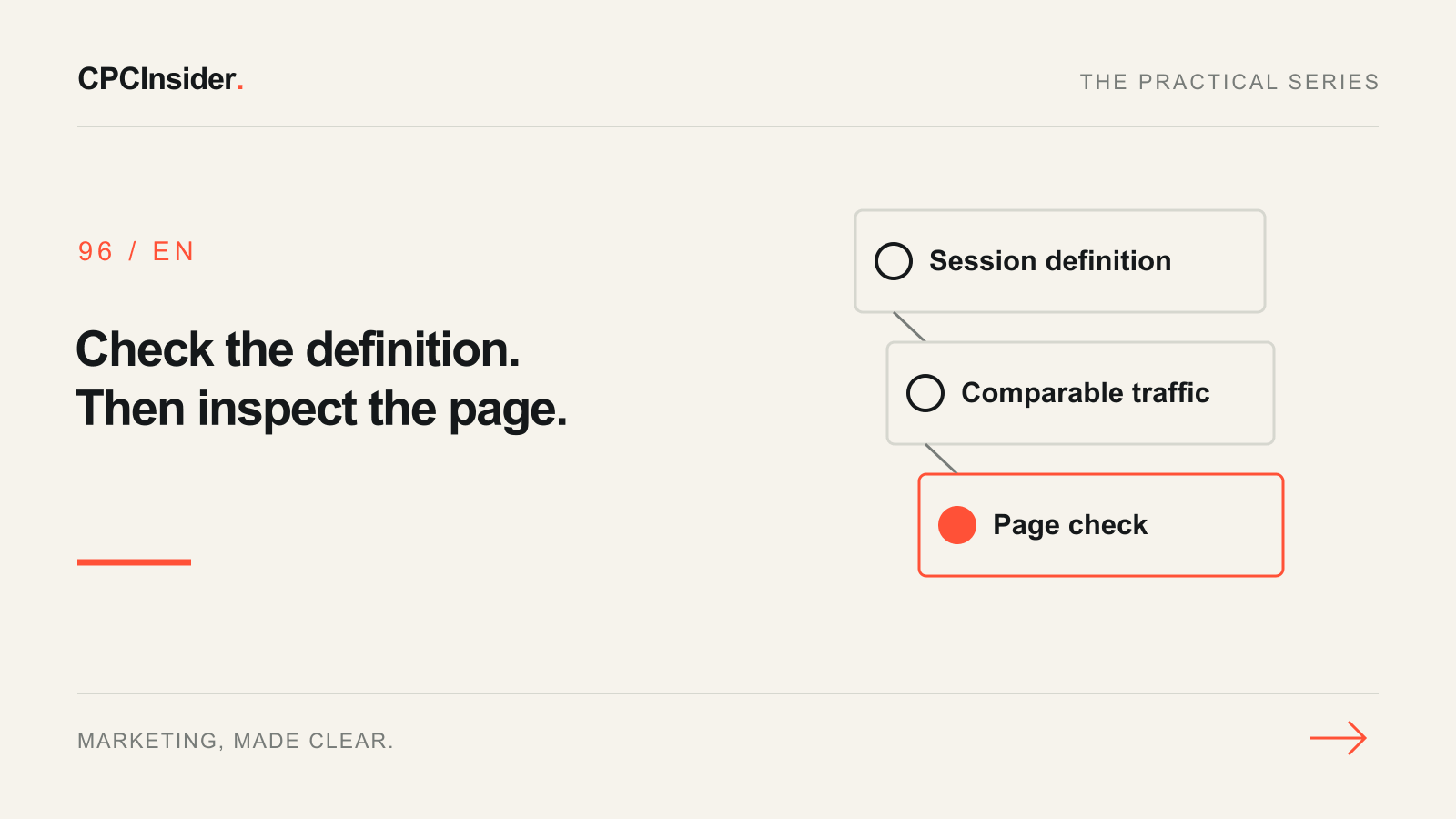
Your bounce rate changed, but did your visitors change? Open the affected GA4 report and record its dates, traffic source, device and landing page before touching the website. A change in measurement or visitor mix can move the rate without a corresponding change in customer experience.
This guide diagnoses the metric. Use the landing-page report workflow afterwards to prioritise individual pages.
Establish what the rate counts
Google defines bounce rate as the share of sessions that were not engaged. It is the complement of engagement rate, not simply the share of visits with one page view. Google's default engaged-session criteria include time, a key event, or multiple page or screen views. A single-page visit can therefore be engaged.
Write down the actual engagement timer and key-event definitions used by your property. The Google tag settings documentation describes the configurable engaged-session timer. Do not compare periods across a settings change as though the definition stayed fixed.
If your detail report lacks the metric, an Editor or Administrator can use Customize report → Metrics to add Engagement rate and Bounce rate. Preserve a shared report unless its owner has agreed to the change.
For a nonzero session count, bounce rate = (sessions − engaged sessions) ÷ sessions × 100. If there are no sessions, leave the result unavailable. Record both counts so another person can check the calculation.
Google excludes first_visit, first_open and session_start from the engaged-session calculation even when they are marked as key events. Check the actual event definition before interpreting a rate change.
Compare the same traffic
Choose equal completed periods. Keep the landing page, session source/medium, device and language comparable. Record session counts beside the rates; a small denominator makes a large-looking percentage change unstable. A new source or campaign may explain a blended movement.
Use the same report scope throughout. Do not combine a user-acquisition dimension with a session-based conclusion without understanding the distinction. Our acquisition-report comparison explains the scope difference.
Trace a sudden drop before celebrating
Review the change log for new tags, key-event edits, navigation changes and engagement-timer changes. Then inspect a permitted test journey in DebugView. Record which events arrive, when they arrive and what actually triggered them.
Look for repeated page views and events that classify ordinary browsing as a key outcome. These are hypotheses to investigate, not proof of a fault. Do not remove a valid business event just to make the bounce rate look more plausible. Use the GA4 audit when collection needs a broader review.
Choose the next action from the evidence
| Finding | Next check | Decision |
|---|---|---|
| Definition changed | Compare timer and key-event settings | Annotate the break; establish a comparable baseline |
| Traffic mix changed | Compare matched source/device segments | Review the relevant campaign and page promise |
| Repeated page views in a controlled test | Identify every sender and trigger | Propose a tracking repair and retest |
| Stable setup, page-specific issue | Try the intended task on mobile | Prioritise a reproduced obstacle |
| Sparse sessions, no confirmed fault | Keep counts and definitions | Extend observation |
Save a diagnostic record
Record the property, report, periods, segment, sessions, engagement rate, bounce rate, settings changes, test evidence, owner and next review date. Mark unknowns explicitly. Recheck the same journey after an approved repair, then wait for processed reports before comparing outcomes.
Bounce rate cannot establish whether an enquiry was useful to sales. Keep accepted enquiries, CRM qualification and revenue separate from engagement. A lower rate alone does not prove better acquisition or a successful redesign.
Our tracking, attribution and CRM service connects these checks. Book a free 30-minute founder-led growth review for a short written plan with three priorities and no obligation to hire CPCInsider.
About the author
Free founder-led growth review
Can you trust the numbers behind your decisions?
In a focused 30-minute conversation, we review your advertising, website and sales follow-up together. Afterwards, you receive a short written action plan you can use with your own team or with ours.
Your biggest growth gaps
See where your ads, website or follow-up may be losing potential customers.
Your next 3 priorities
Get a ranked action list with the reason for each recommendation and what to check next.
A practical starting plan
Leave with clear next steps for your team, plus our recommendation if you want help implementing them.
Continue reading
GA4 landing page report: find the pages worth improving first
Use GA4 landing-page data to choose your next improvement. Compare matched traffic, inspect a worked example and build a page-priority worksheet.
GA4 audit checklist: 18 checks before you trust your reports
A hands-on GA4 audit for website owners and marketing teams: verify what is collected, trace real customer actions and separate tracking faults from reporting differences.
GA4 acquisition reports: when to use User vs. Traffic acquisition
Choose the GA4 acquisition report that fits your question, align dimensions and metrics, and explain why the same channel can tell two different stories.